

RVsitebuilder 6.4 allows you to choose content layout by 12 sections with more than 200+ designs!! In “Page” tab at “Section”.
1. General
2. List
3. Image
1. Image
2. Carousel - Widget Album
1.Team
2. Pricing
3. Contact - Widget Google Maps
4. Table
5. Video
6. Full Block
7. Form - Widget Form
8. Social - Widget Facebook
9. Blank

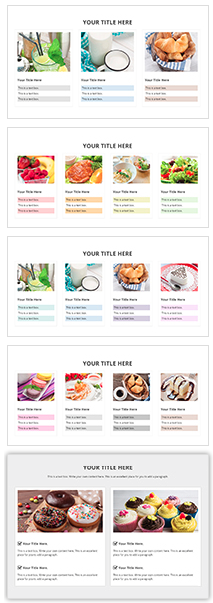
In all 200+ layout designs, 130 designs are new from RVsitebuilder 6.4. In “Image” section, it will present the almost ready content layout with cool text and picture positions with the beautiful background image from Background image album.

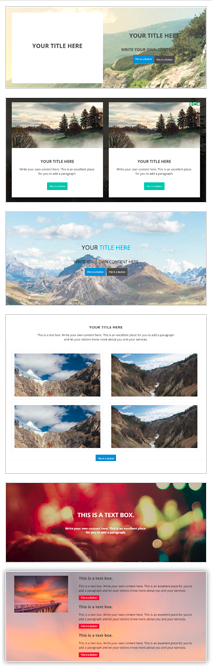
The text and images are allowed to replace to be your own, while the Background can be setup with Parallax effect both content block and section layout.

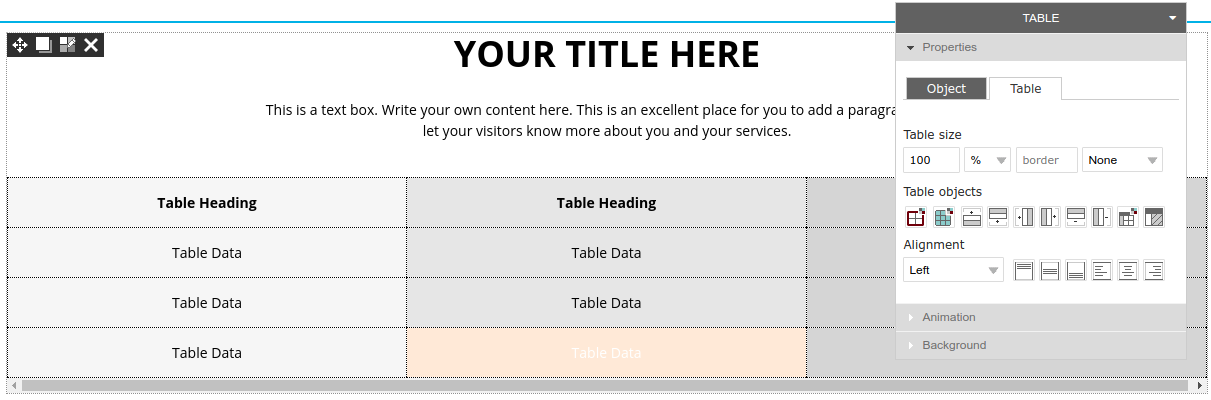
In “Table” section. It’s allowed to customize at Panel -> Properties -> Table.
**Note: The widget tab from RVsitebuilder 6.2 is moved to the Section at Carousel - Widget Album, Contact - Widget Google Maps, Form - Widget Form, Social - Widget Facebook.
===========
