

You can see your website performance report in Google Analytics by following this guide.
You can also bring report from Google Analytics to show in your website admin area, at Marketing dashboard by setup Google API.
Google Analytics Setup
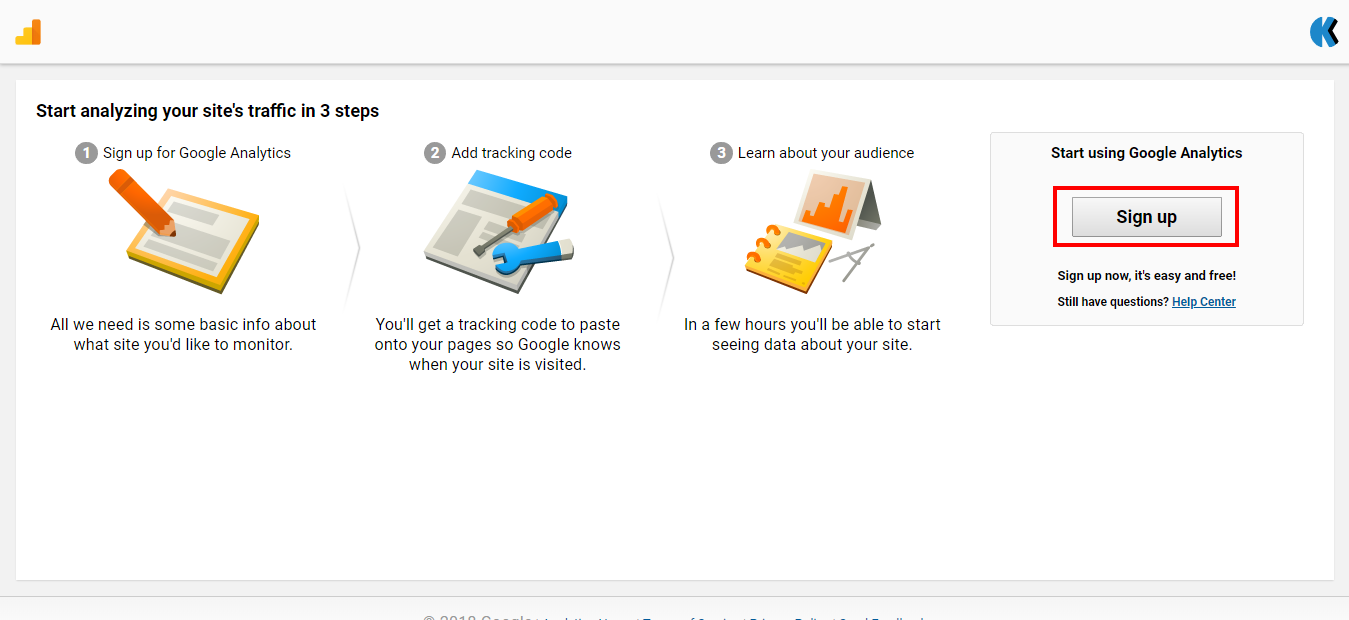
- Register with Google Analytics at https://www.google.com/analytics/. If you have account with Google Analytics for your previous website, you can use it without going for new register.
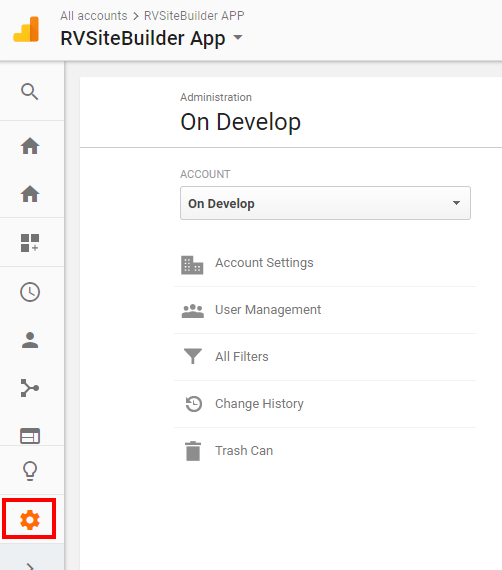
- Once registration is completed, click on Gear icon for setting.
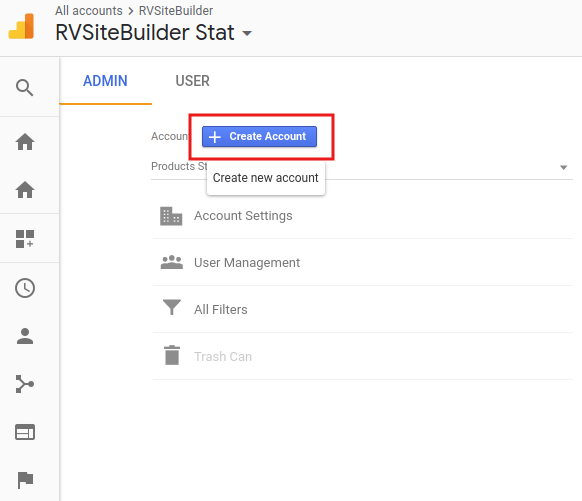
- At setting page, click Create Account (It will automatically show Create new account page for new register account.)
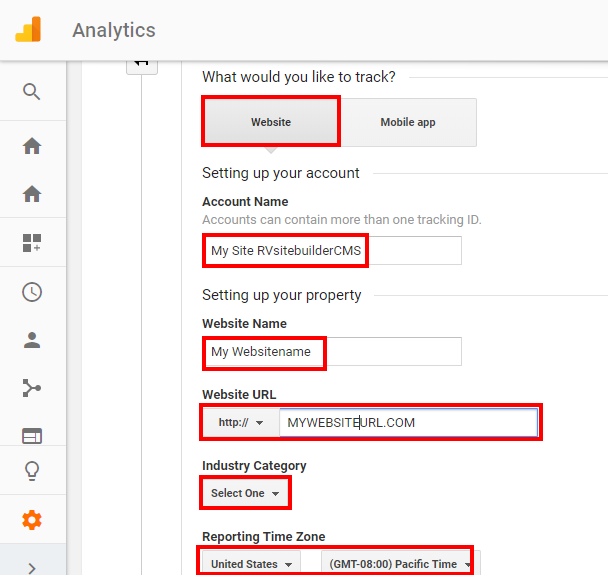
- At Create new account page, click Website, and fill the required details.
- Then select Get Tracking ID.
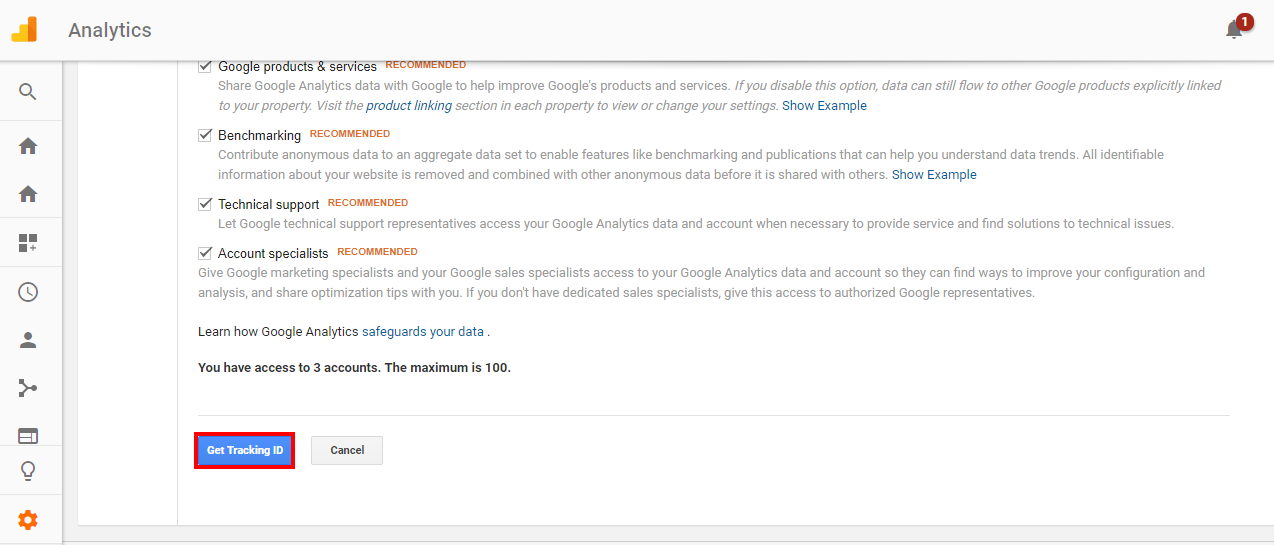
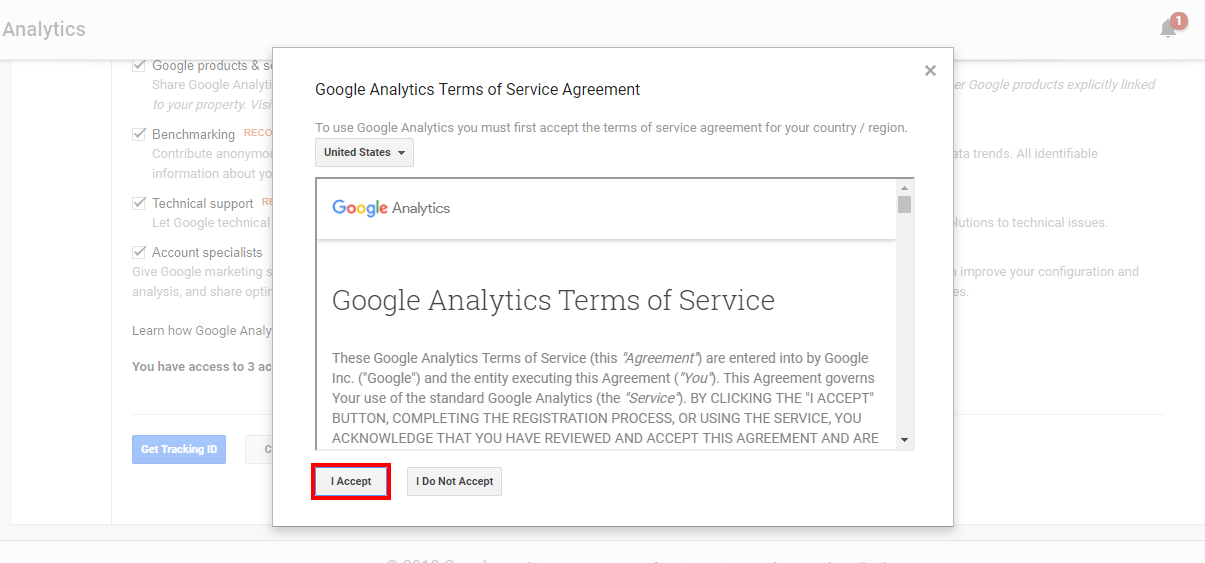
- Accept Google Analytics Terms of Service by I Accept button.
- The Tracking ID of your website is now ready to use.
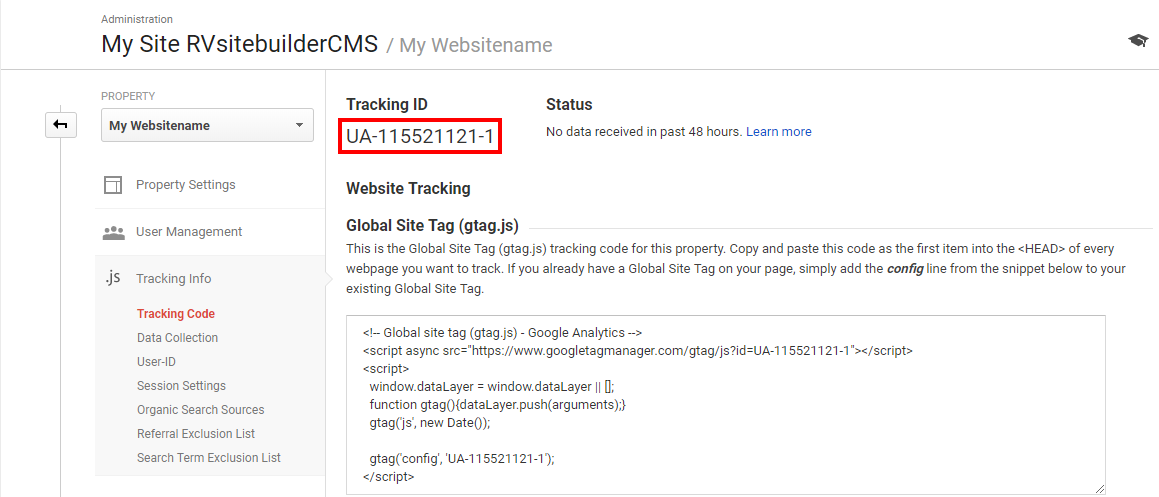
- Connecting Google Analytics report of your website to show in your website admin area, at Marketing dashboard:
8.1) Login to your website, go to Marketing -> Go to Setup.
8.2) Insert Tracking ID from number 7 in Google Analytics field, and click Submit Google Tracking ID.
*If you can't see the field to insert Tracking ID, you will have to go to setup Google API first.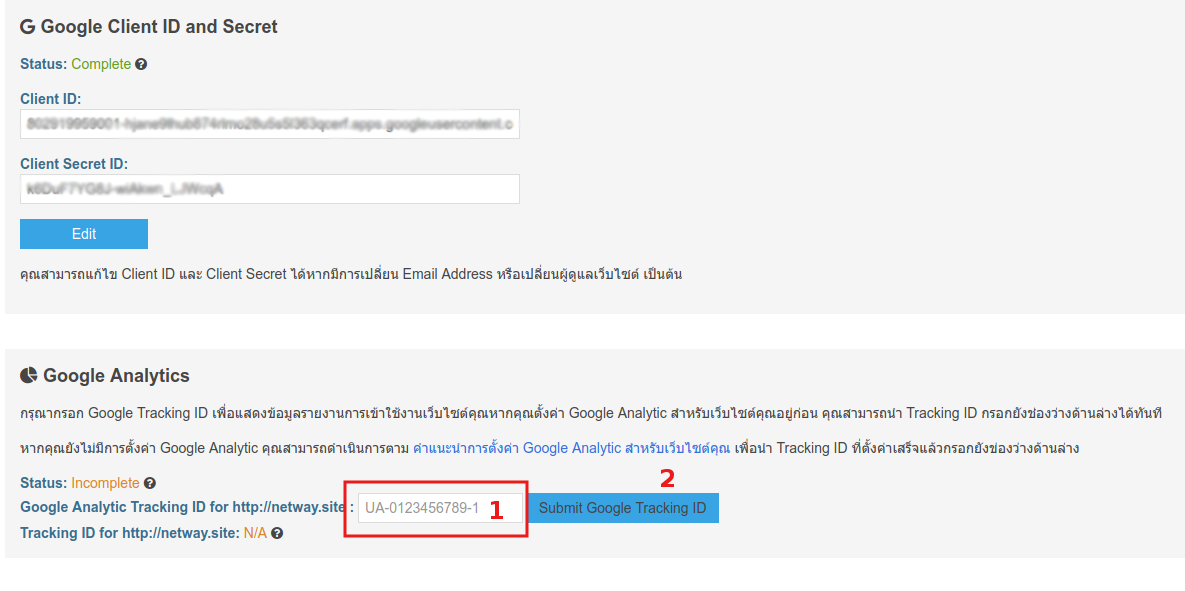
- If the setup is completed, it will show status at Complete.
- Waiting for the report from Google Analytics to show at your website admin -> Marketing dashboard around 3-7 days after setup completed.
=============================
