

Adding facebook, social widget
by
RV Support
2025-11-25 08:01:34
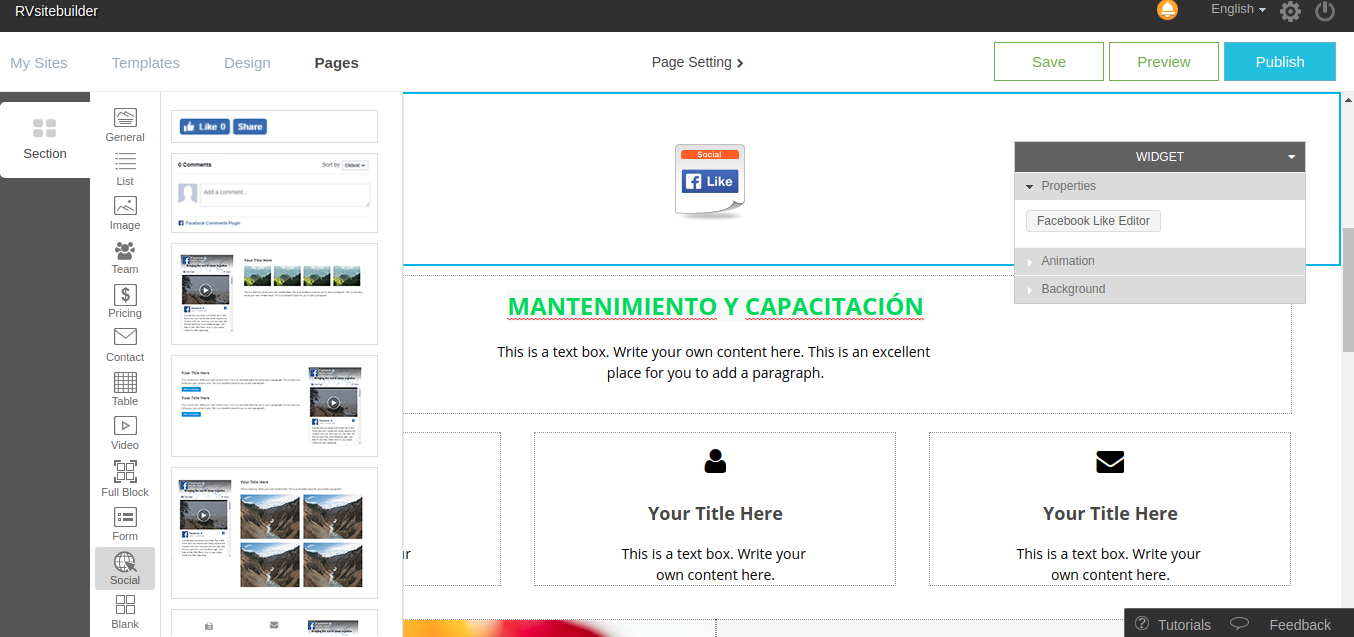
You can choose Facebook Widget in the Section Social tab:
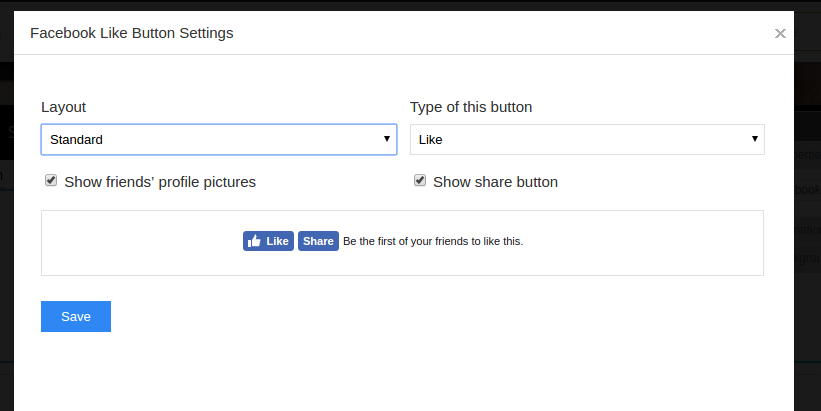
Like Button: Let the user like and share your website.
You can set for the layout and button type by clicking Section -> Social -> selecting the first section and click Facebook Like Editor in the Widget box.
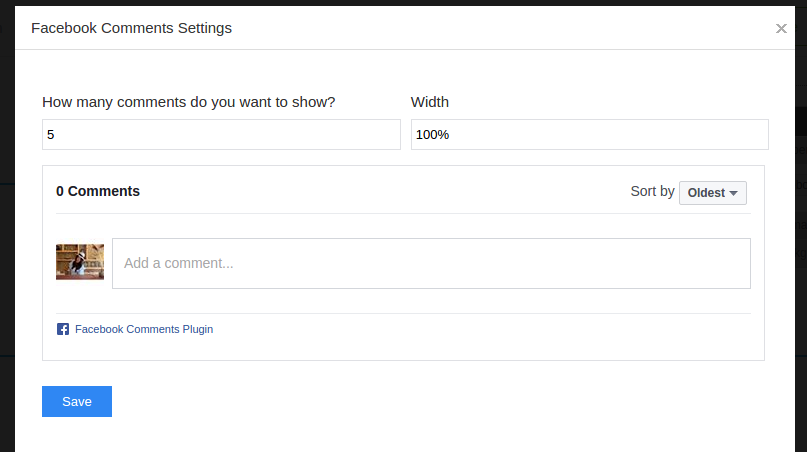
Facebook Comment: Let the user can like and comment about your website. It will show in their facebook. You can set for the appearance in Facebook Comment Editor.
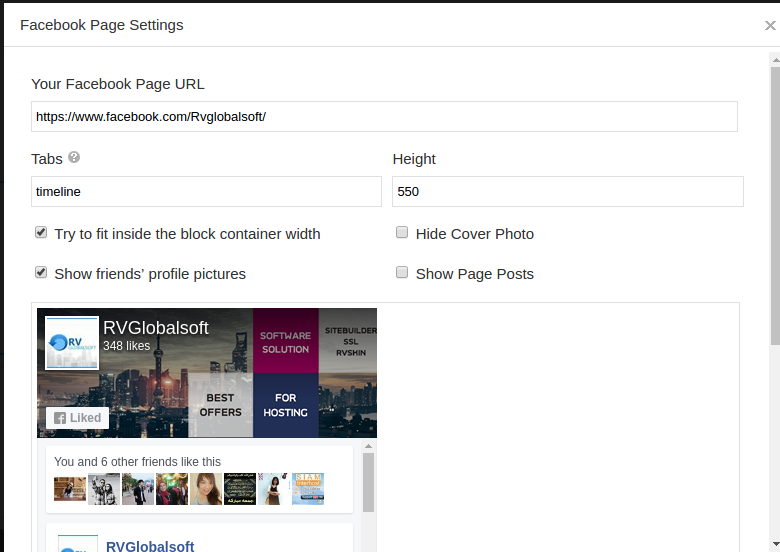
Facebook Page: Link to your Facebook Page
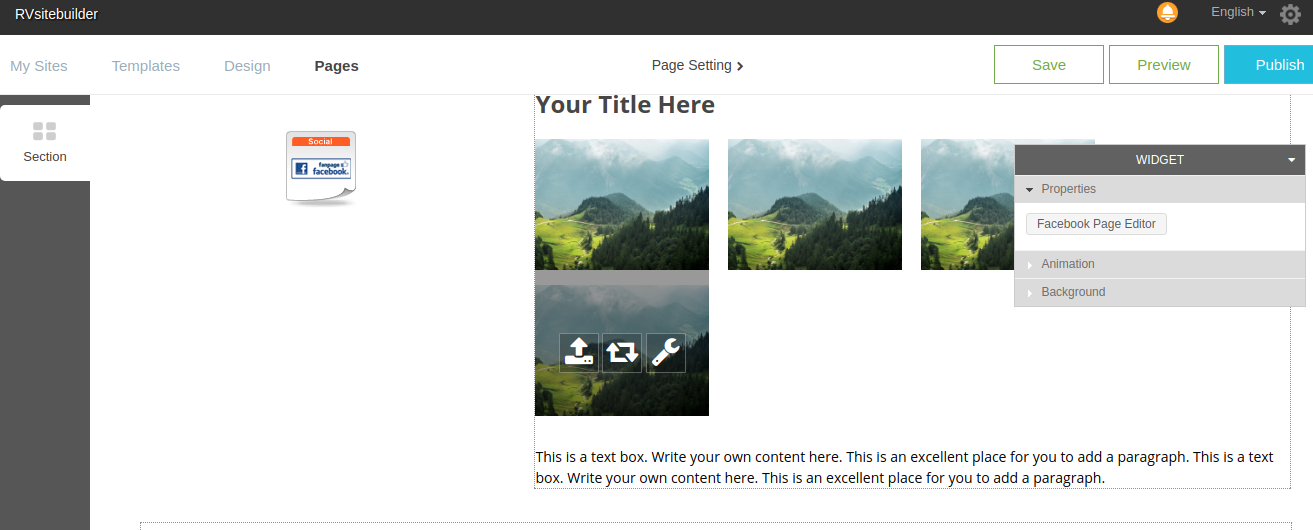
You can adjust the appearance for your facebook page in Facebook Page Editor
Articals in this section
-
Make a Bookmark on your page
Updated on 2025-11-18 08:04:58
-
How to add a cookie and privacy banner on RVSB 6?
Updated on 2025-11-18 08:04:58
-
How to check your RVsitebuilder version?
Updated on 2025-11-18 08:04:58
-
How to select language on RVsitebuilder program
Updated on 2025-11-18 08:04:58
-
Added a feature for generating “Privacy Policy” page in RVsitebuilder version 6
Updated on 2025-11-18 08:04:58
-
Adding new page, Rearrange page name on Navigation
Updated on 2025-11-25 08:01:37
-
Adding Paypal widget
Updated on 2025-11-25 08:01:35
-
Adding Section
Updated on 2025-11-25 08:01:35
-
Copy an image from external
Updated on 2025-11-25 08:01:35
-
Create a website with RVsitebuilder 6
Updated on 2025-11-25 08:01:35
