

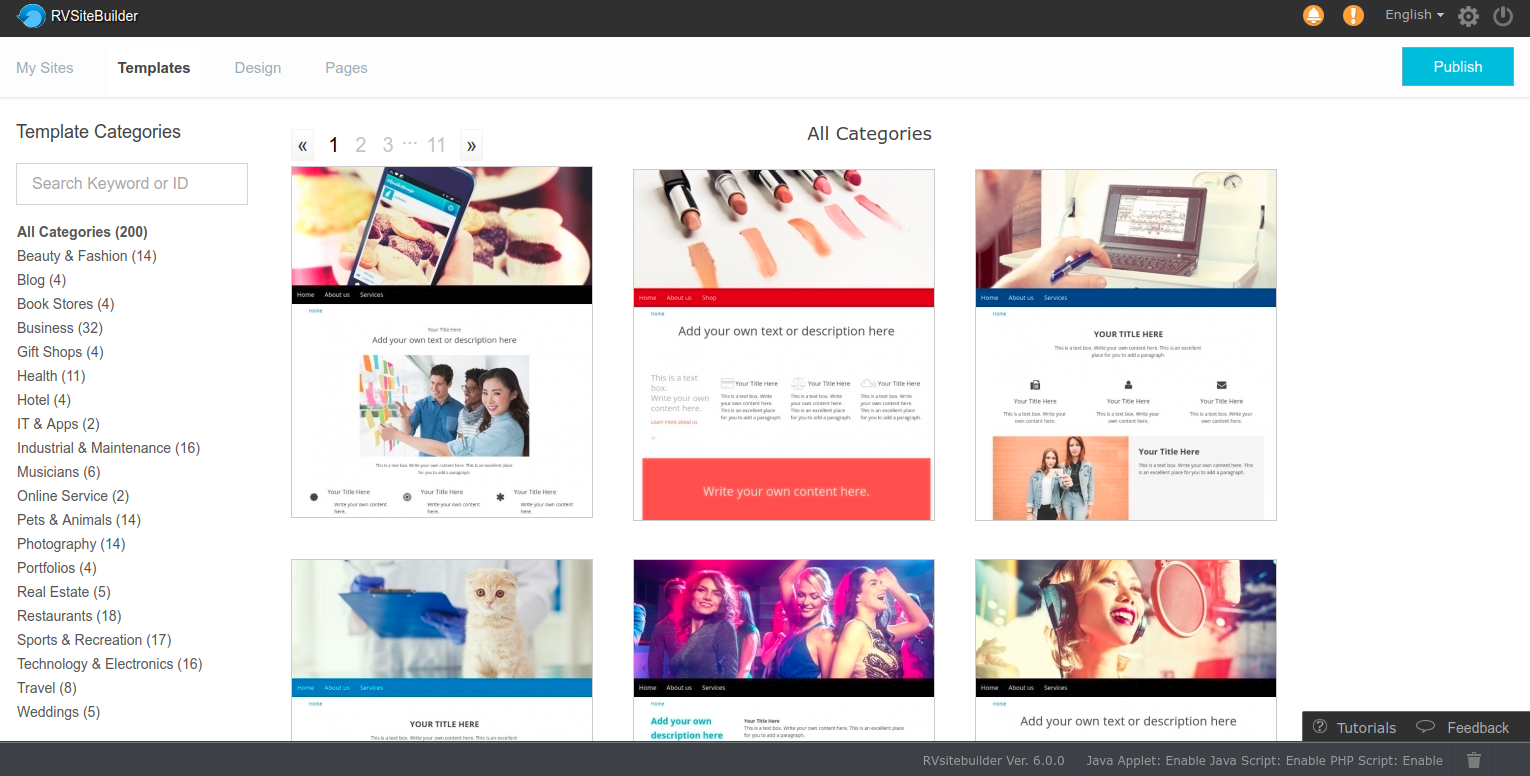
Since all templates and sections in RVsitebuilder 6.4 will be full-screen by default. It will be 2 cases to concern.
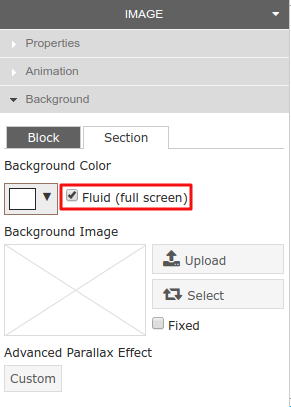
1 : Create new site, all new created sites in RVsitebuilder 6.4 series will be full-screen websites by default. If you want to present your website in fixed-screen, you can change it at Panel -> Background -> Section, and uncheck box “Fluid (full screen)” to publish website with fixed-screen.
- Any template and its sections will be full-screen.
- Sections selected in “Page” tab will be full-screen.
To change screen at Panel -> Background -> Section.
2 : Edit website, all websites created since RVsitebuilder 6.2 series or older, the screen will be as the old setting. BUT if you drag and drop a new section in “Page” tab, it will be full screen automatically while the rest will be as old setting.
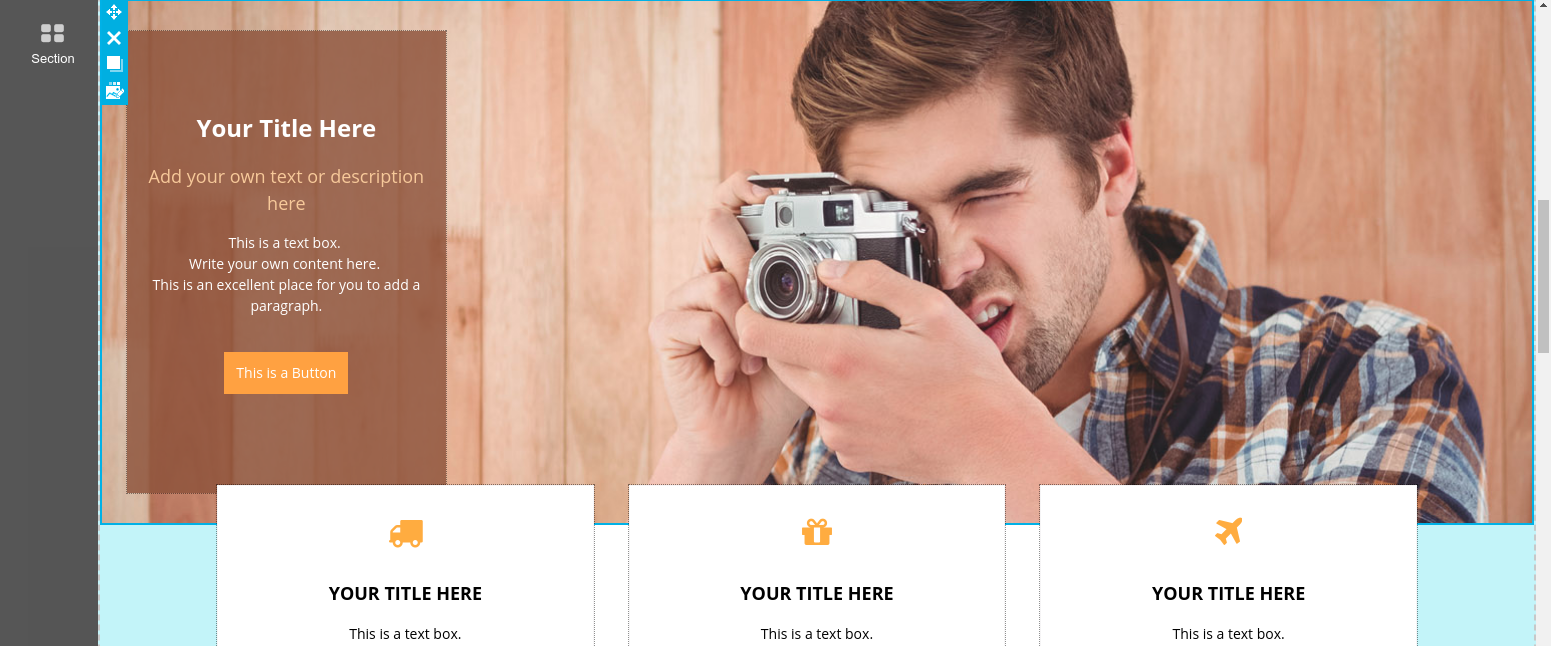
Sample : The 3 Blocks are the old section, it will not change to full screen. But the new section, a man with camera, will be full screen section.
===========
