

RVsitebuilder 7 error 500 when I clicked Edit
by
RV Support
2025-11-18 09:17:55
If you got error 500 when you click Edit on cPanel control panel, it's mostly that some required environment is dropped or disabled.
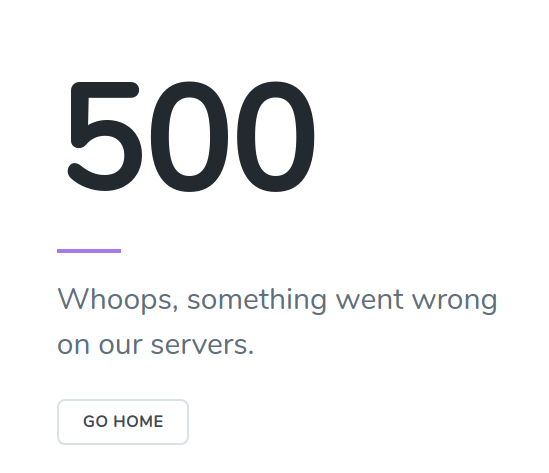
Check in error log
File Manager -> rvsitebuildercms -> domain name in question -> storage -> logs -> view the today log file "laravel-20xx-mm-dd.log
sample of error in log file
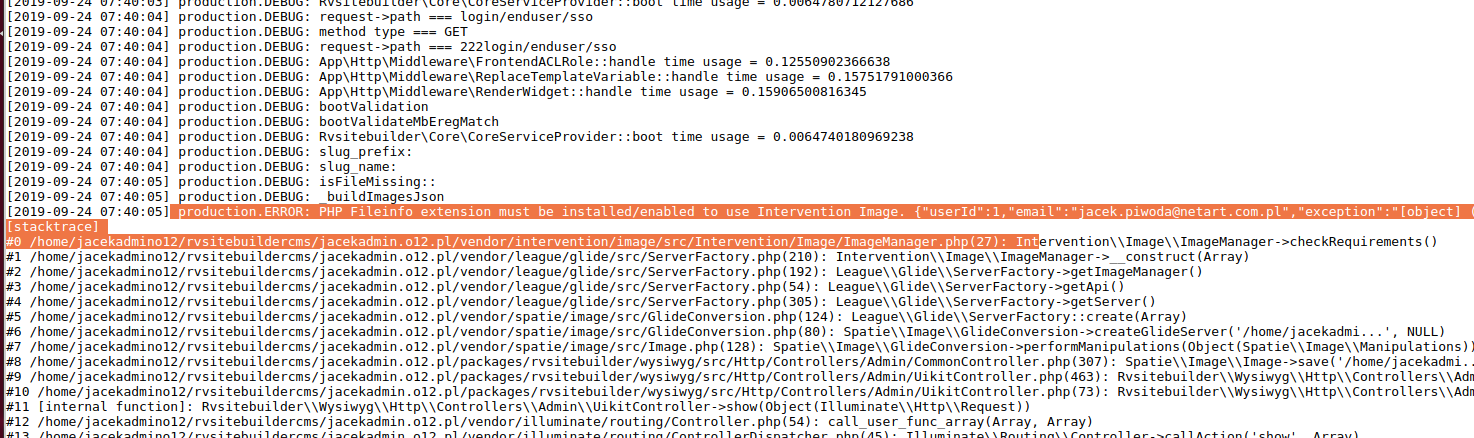
Solution followed by error log
Go to PHP Selector and enable the "fileinfo" (more of setting here)
Access and click Edit website on Rvsitebuilder 7 again.
Articals in this section
-
Create site error "Error: Please allow extension : 'mysqlnd','pdo','gd','curl','iconv', .......
Updated on 2025-11-18 08:05:39
-
Create site error "Error: Please set max_execution_time more than 90"
Updated on 2025-11-18 08:05:39
-
Create site error "Error: Please set memory_limit more than 64M."
Updated on 2025-11-18 08:05:38
-
Edit website returns Admin Login instead of content editor
Updated on 2025-11-18 09:17:55
-
Create site error "Error: Please allow function : 'posix_getpwuid', 'getmyuid', 'fileowner', 'stat', 'file_put_contents', 'parse_ini_file'"
Updated on 2025-11-18 08:05:38
-
Create site error "Error: Please allow function : json"
Updated on 2025-11-18 08:05:38
-
Create site error "Error: Please allow extension : json"
Updated on 2025-11-18 08:05:38
-
Create site error Running tar command unzip failed
Updated on 2025-11-18 08:05:38
-
Create site error "Not enough database"
Updated on 2025-11-18 08:05:37
-
Repair website error Prepare Installer : HTTP/1.1 301 Moved Permanently
Updated on 2025-11-18 08:05:37
