

RVlogin is a free Single SIgn-on system from RVskin license. If your IP doesn’t have RVskin license, please order RVskin license with us here.
To run RVlogin Installation, please SSH to your server and run below command.
cd /usr/src; rm -f rvlogininstall.sh; wget http://download.rvglobalsoft.com/rvlogininstall.sh; chmod +x rvlogininstall.sh; ./rvlogininstall.sh
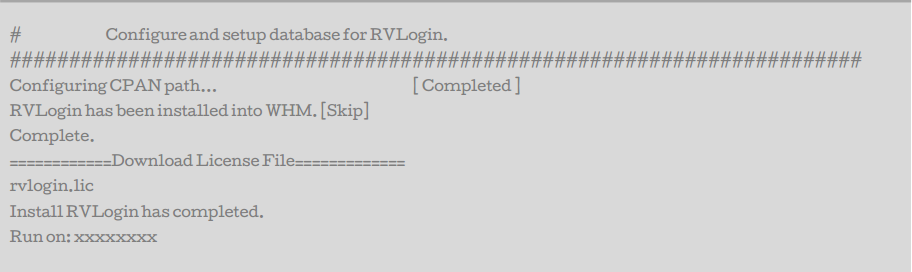
The successful installation will be showing on screen.
Then you can find RVlogin under WHM (root) -> Plugins -> RVglobalsoft Manager -> RVlogin Manager. Simply access it by one click.
You’ll be able to setup a URL for Single sign-on, add servers and add server group.
Have a problem install RVlogin? Contact RVStaff here.
