

Company, Slogan, Text in Header settings
by
RV Support
2025-11-25 08:05:15
Put design on your Company Name and Slogan
Visit RVsitebuilder Step 2
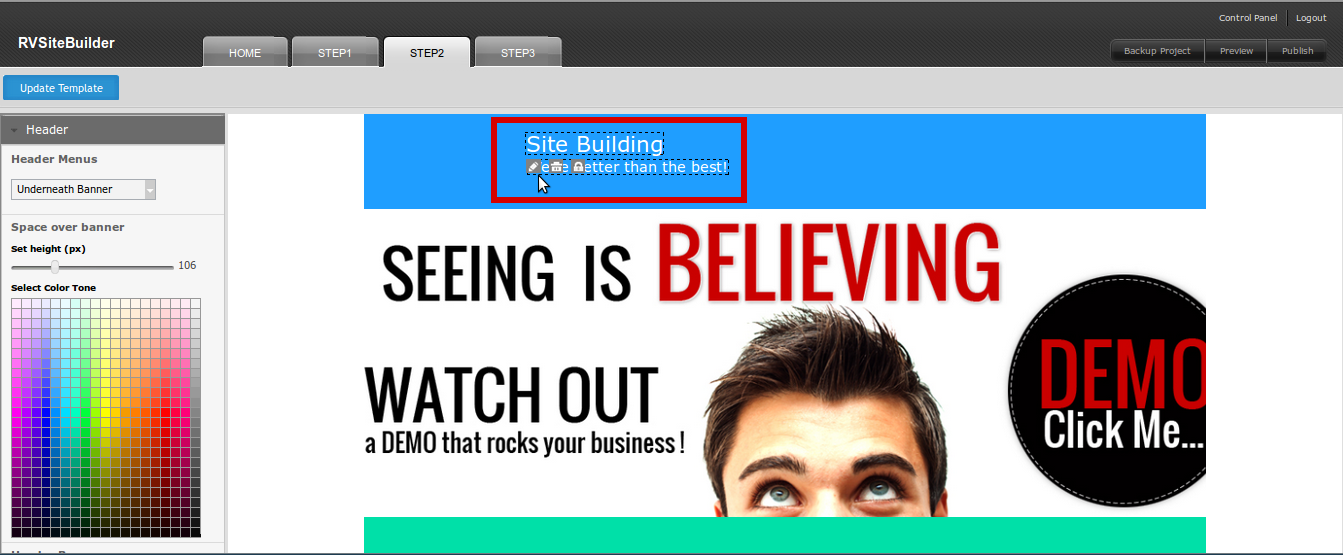
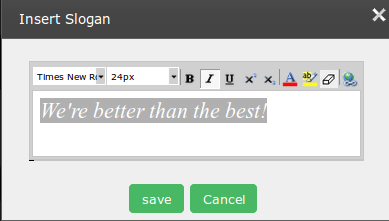
Just “Mouse Hover” on the text and click “Pencil” symbol to open the text editor.
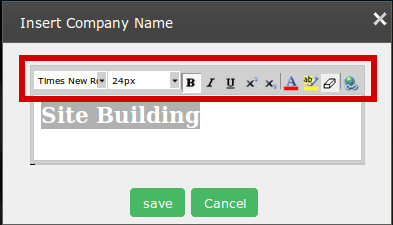
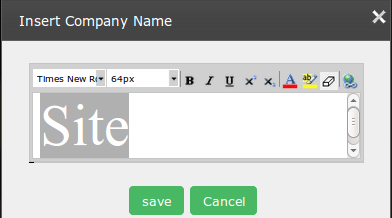
Use text editor tools to customise your company name as you want.
Tips: Some browsers may use cache system which causes choosing “Font Style” and “Font Size” don’t take respond. You can get avoid this by choosing “Default” before “Font Style” and “Font Size” you really want.:p
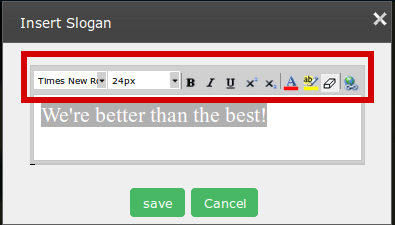
Do the same above for your slogan.

Now, reposition the Company Name and Slogan. Easy by drag-and-drop it at the position you want in header.
Don’t forget to lock its position by using “Lock” symbol.
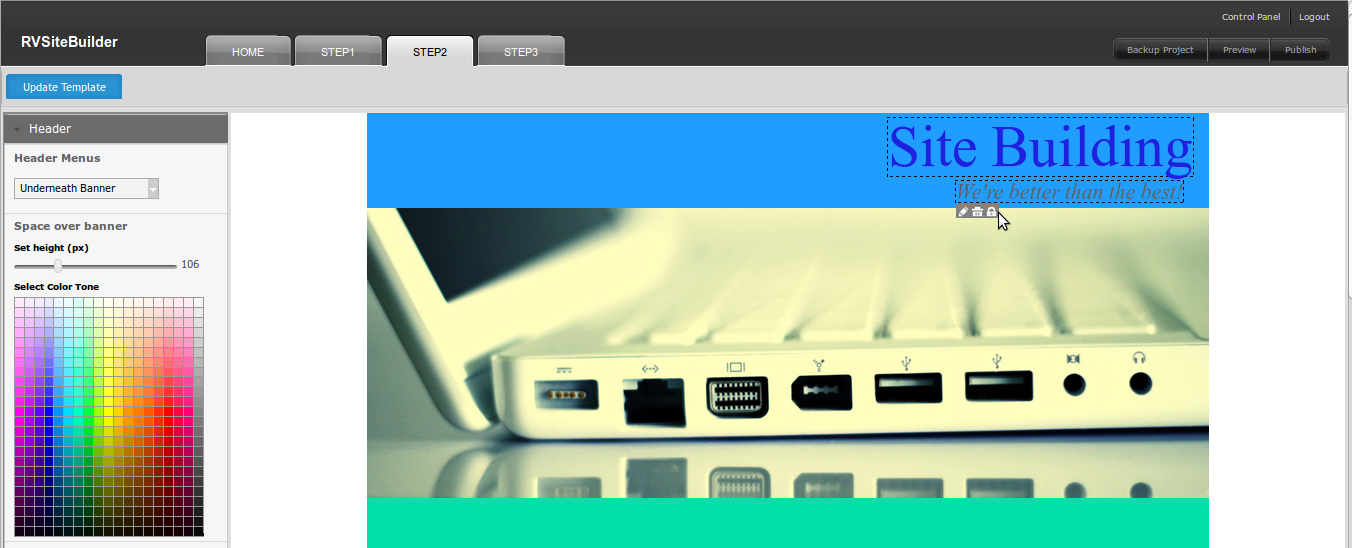
Everything you did in Step 2 , please don't forget to save by "Update Template" button at the top of step2.
Articals in this section
-
RVSitebuilder 5.4 Release Notes
Updated on 2025-11-18 08:05:28
-
Add Custom Font
Updated on 2025-11-25 08:05:39
-
Add Google Maps with Widget feature in RVsitebuilder
Updated on 2025-11-25 08:05:15
-
Add your image(s) for website banner
Updated on 2025-11-25 08:05:15
-
Change Page Layout in WYSIWYG Editor
Updated on 2025-11-18 09:17:55
-
Copy and Paste Content/Code from the external source
Updated on 2025-11-25 08:05:15
-
Create a website with multi-language
Updated on 2025-11-25 08:05:15
-
Setup Contact Form Sender for Online Form, Contact Us in website
Updated on 2025-11-18 08:05:27
-
Set Website to display on Mobile
Updated on 2025-11-25 08:05:15
-
Set background color/image for Body(content) area
Updated on 2025-11-18 09:17:55
