

On RVsitebuilder 6.4 you can easier move, duplicate, set Parallax effect and delete the block. In “Page” tab.
1. Once you select a like section and drag-and-drop to content area

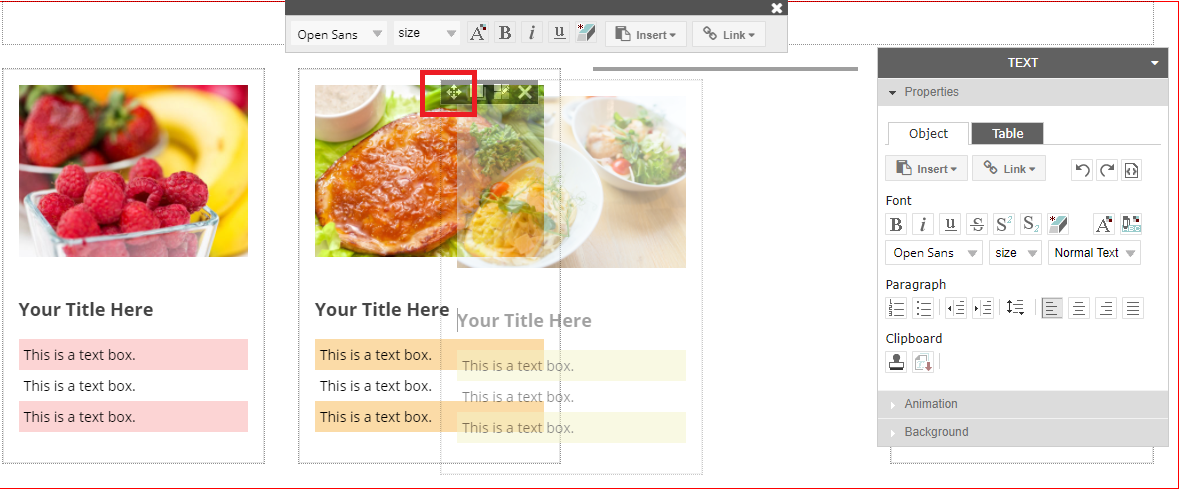
2. You can move blocks inside the section by using “Move” icon and drag to drop where you want in the same section.
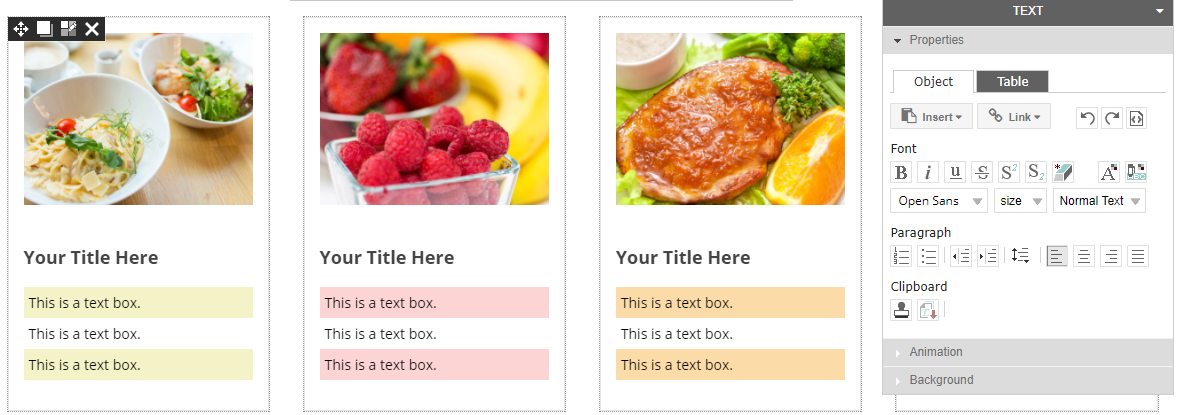
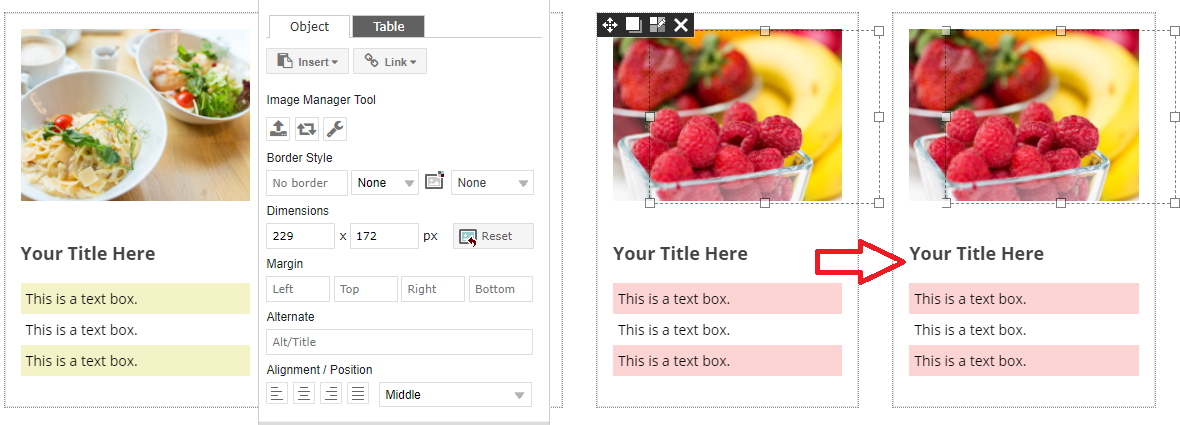
3. You can use “Duplicate Block” icon to duplicate the block you want to repeat. It will copy all design and content immediately.

4. Set Parallax Effect for block by “Edit Block” icon -> “Parallax Scrolling Effect”.
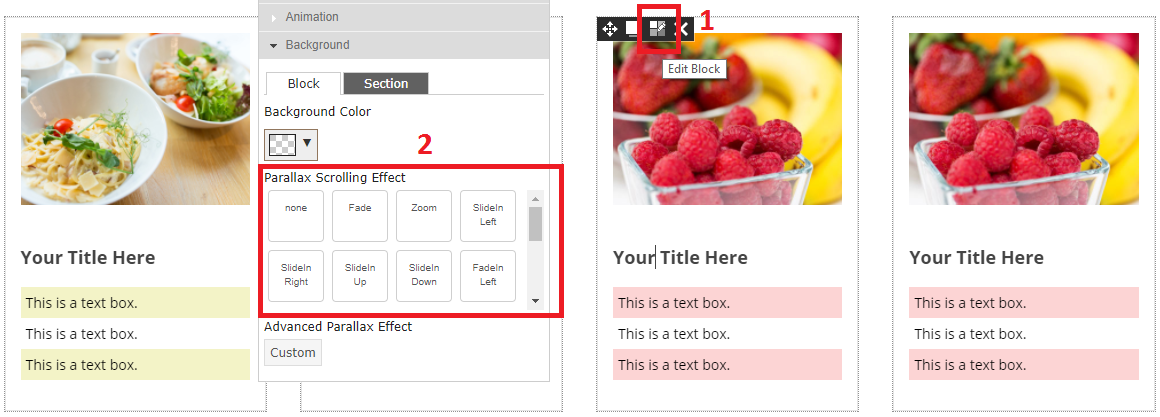
You can choose 19 Effects.
|
None |
Fade |
Zoom |
Slide In Left |
Slide In Right |
|
Slide In Up |
Slide In Down |
Fade In Left |
Fade In Right |
Fade In Up |
|
Fade In Down |
Zoom In Left |
Zoom In Right |
Zoom In Up |
Zoom In Down |
|
Fade Up Left |
Fade Up Right |
Fade Down Left |
Fade Down Right |
|
5. Use “Delete” icon to delete block. Be careful, it’s a prompt delete function.

===========
