

Preview and Publish Website in RVsitebuilder 6
by
RV Support
2025-11-25 08:01:34
Preview and Publish your website!
RVsitebuilder version 6
Preview
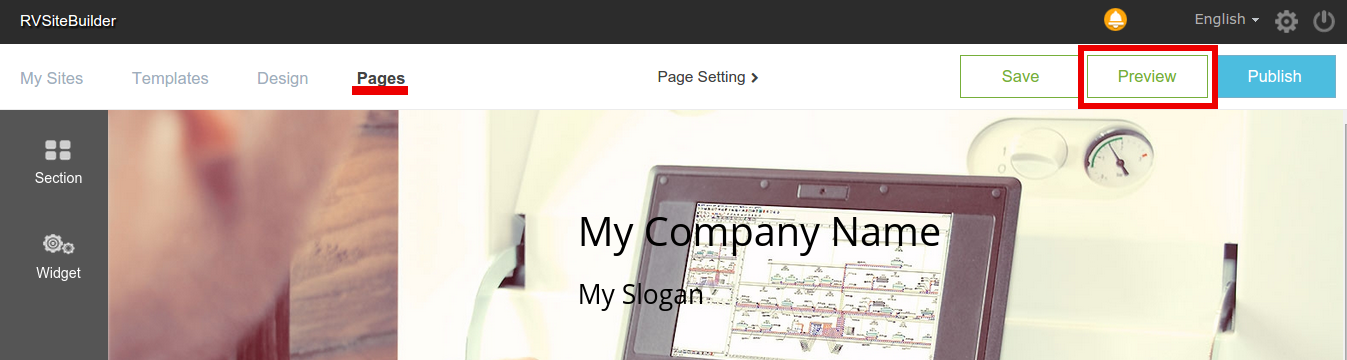
In RVsitebuilder version 6, you can see preview page at WYSIWYG page editor on step “Pages”. It works to let you preview the current page you’re editing.
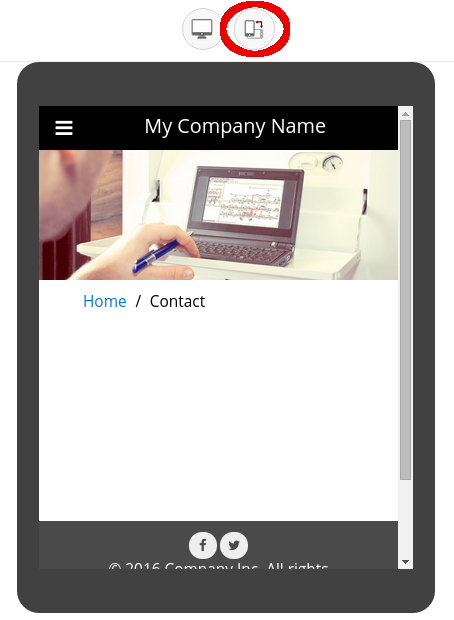
You can see it as Mobile Mode:
Or Desktop Mode:
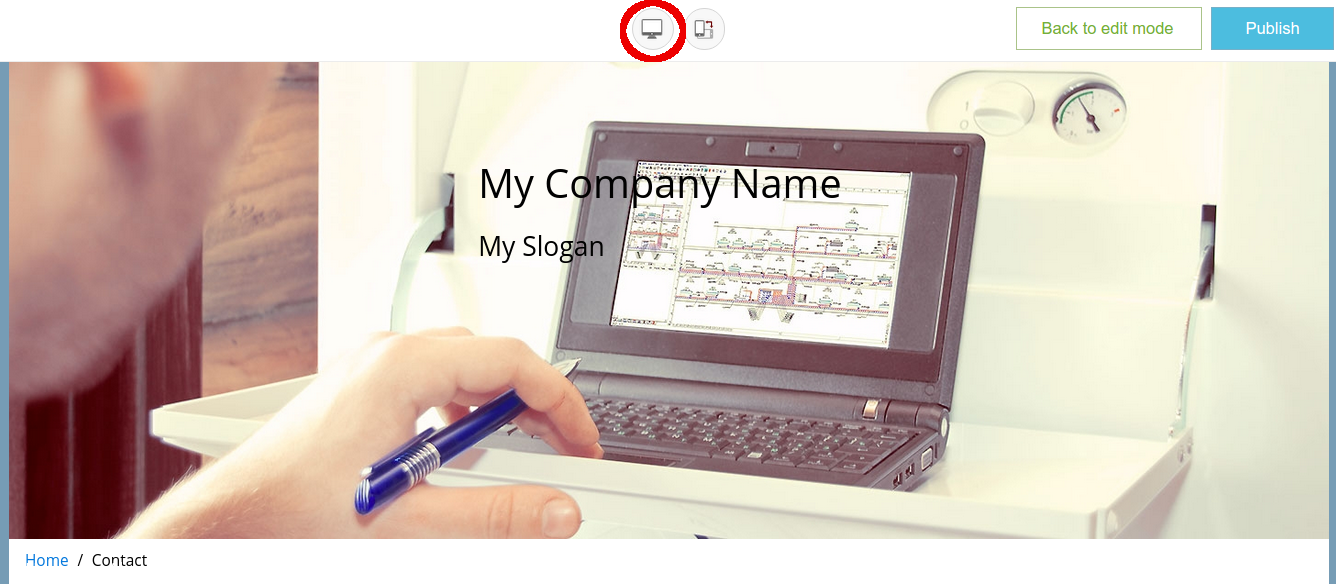
And simply click on “Back to edit mode” to continue edit your page.
Publish
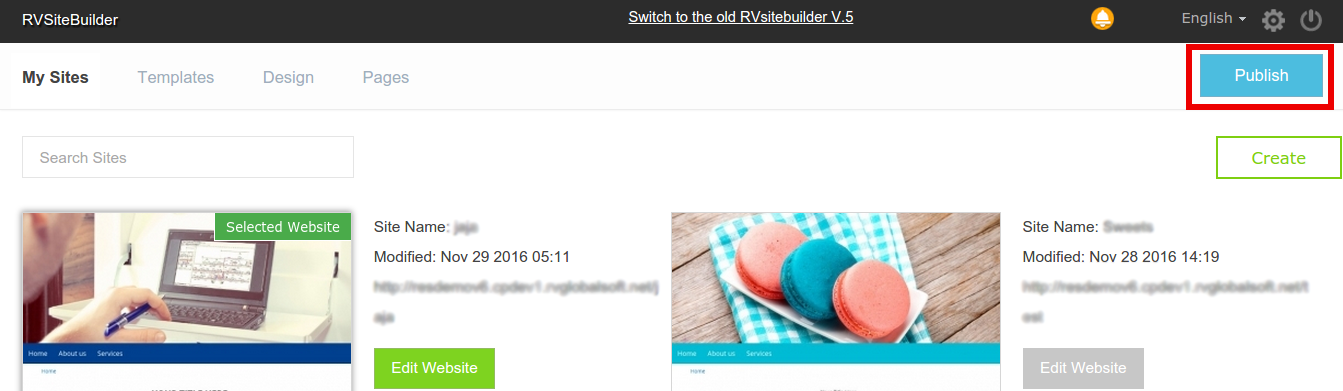
There’s a “Publish” button to be seen in every step which allows you to publish as anytime as you’re ready.

Articals in this section
-
Make a Bookmark on your page
Updated on 2025-11-18 08:04:58
-
How to add a cookie and privacy banner on RVSB 6?
Updated on 2025-11-18 08:04:58
-
How to check your RVsitebuilder version?
Updated on 2025-11-18 08:04:58
-
How to select language on RVsitebuilder program
Updated on 2025-11-18 08:04:58
-
Added a feature for generating “Privacy Policy” page in RVsitebuilder version 6
Updated on 2025-11-18 08:04:58
-
Adding new page, Rearrange page name on Navigation
Updated on 2025-11-25 08:01:37
-
Adding Paypal widget
Updated on 2025-11-25 08:01:35
-
Adding Section
Updated on 2025-11-25 08:01:35
-
Copy an image from external
Updated on 2025-11-25 08:01:35
-
Create a website with RVsitebuilder 6
Updated on 2025-11-25 08:01:35
