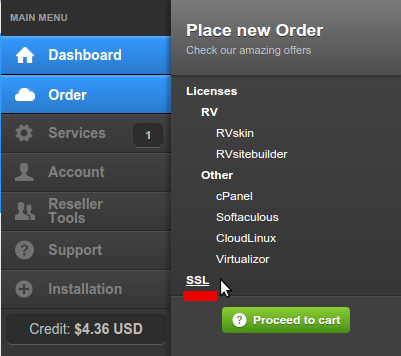
1. Login to your client area at https://rvglobalsoft.com/clientarea/ -> Order -> SSL.
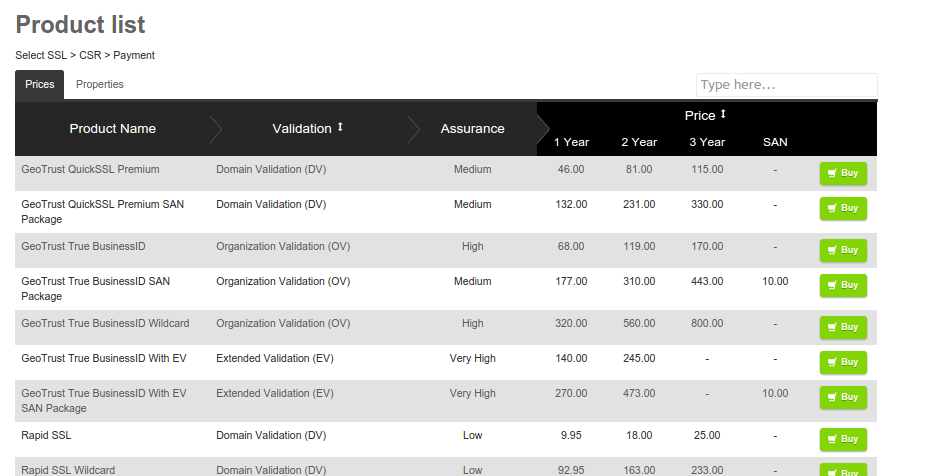
2. SSL Certificate product will open, several SAN Packages will be shown for your choices, with the additional domain name(s) for SAN shown at “SAN” column.
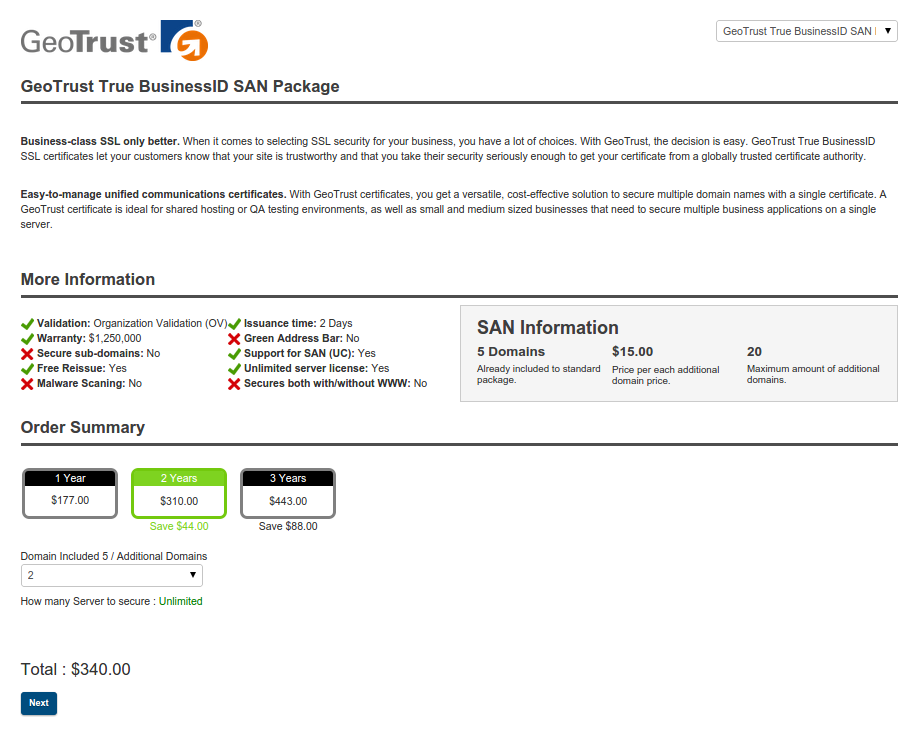
3. After you choose a product, SAN Package page will be opened. If any SAN can add more additional domain(s) or additional server(s), you can select number of its additional here.
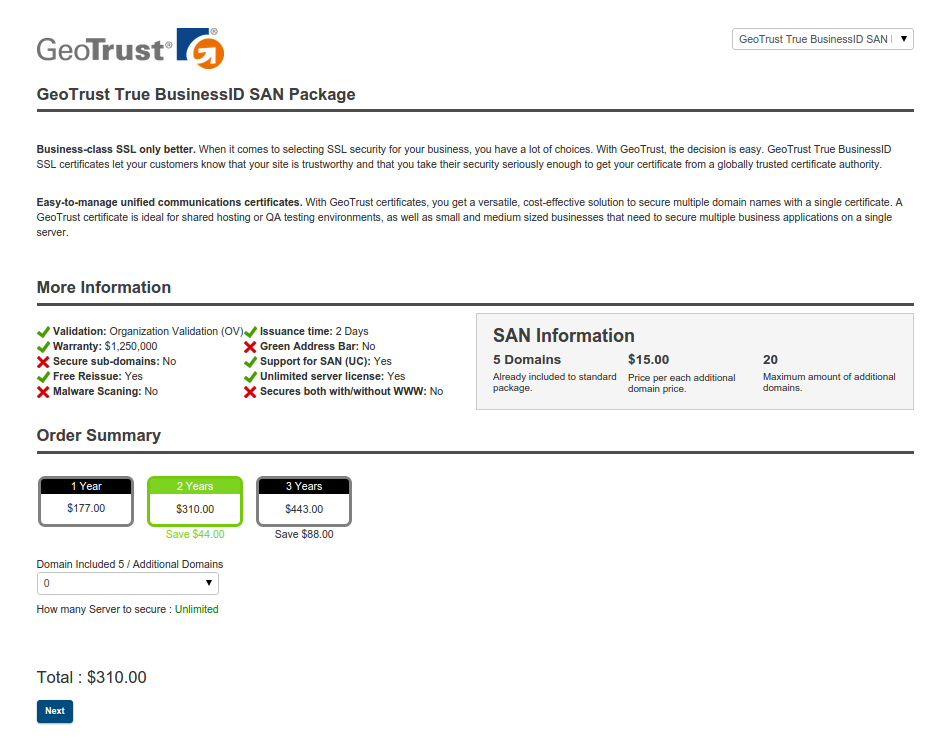
4. The total price of SAN Package and its additional (if any) will be final calculated at “Total”.
If things are right, please click “Next” to continue the order.
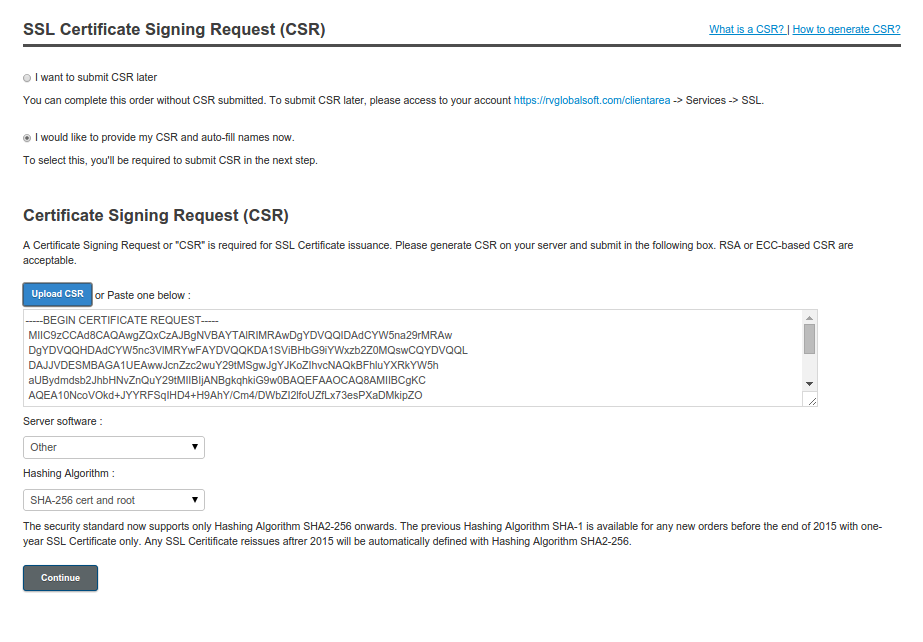
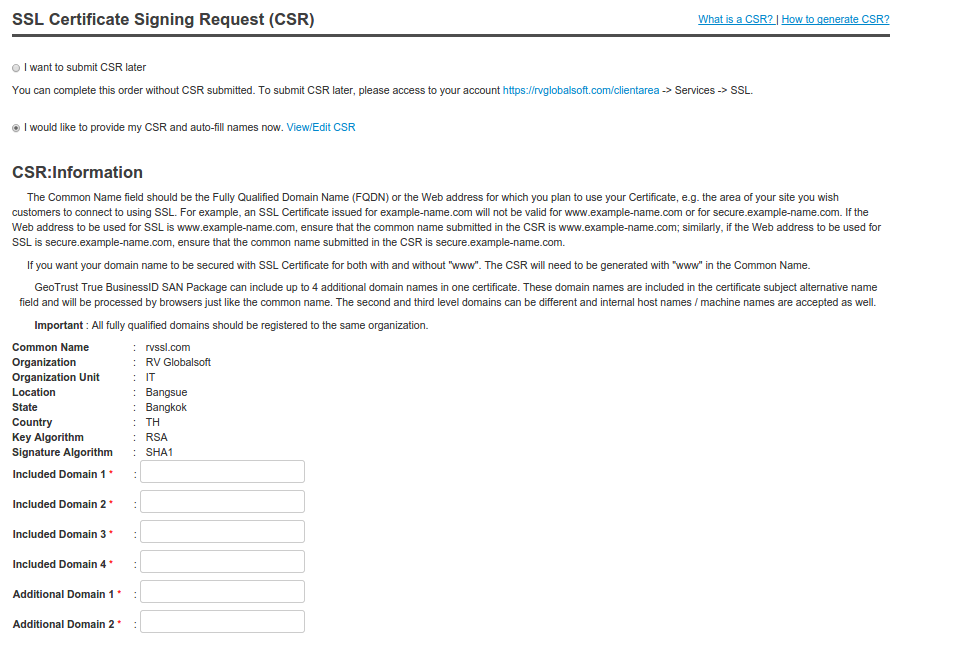
5. The next step is CSR submission. You can select whether to submit CSR now or later.
This sample is to submit CSR now.
6.Next step is in case if your order has additional domain(s) or server(s) included. The field of defining its additional will be available at the right numbers you selected from previous step.