

Reissuing SSL Certificate is the need for reasons such as server of the domain name was changed, the CSR will need to be regenerated from the new server, the SSL Certificate will need to be reissued. You can reissue your SSL Certificate of your current domain name(s) by following guide.
1. Login to your client area at https://rvglobalsoft.com/clientarea/ -> Services -> SSL Certificate, and navigate to the related SSL Certificate (status needs to be Active only).

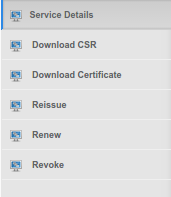
2. Click “Reissue”.
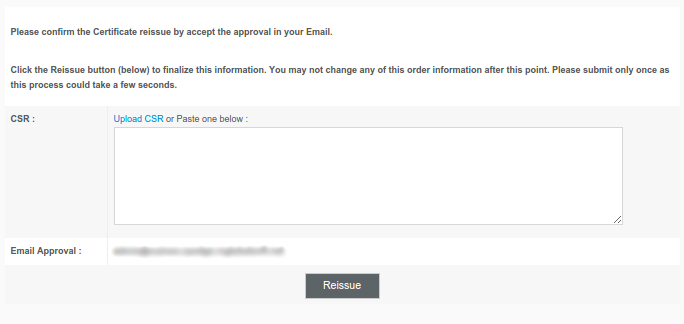
3. The CSR submit field appears, please insert the new CSR of the Common Name related to this order.
And click “Reissue” to submit CSR.
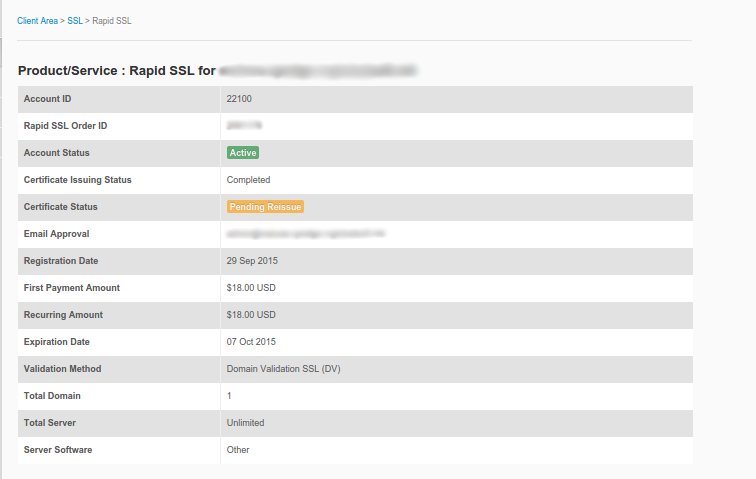
4. After the Reissue submitted, the SSL Certificate status will turn to be “Pending Reissue” until the Administrator Contact approved the Reissue Confirmation in Approval Email.
NOTE:
To reissue SSL Certificate WILL NOT cost any additional charge.
SSL Certificate reissue for DV, the approval email will be sent to approval email.
SSL Certificate reissue for EV/OV, the SSL Brand Authority will verify the information before reactivating SSL Certificate again.
** Reissue is available 6 times maximum for each SSL Certificate.
