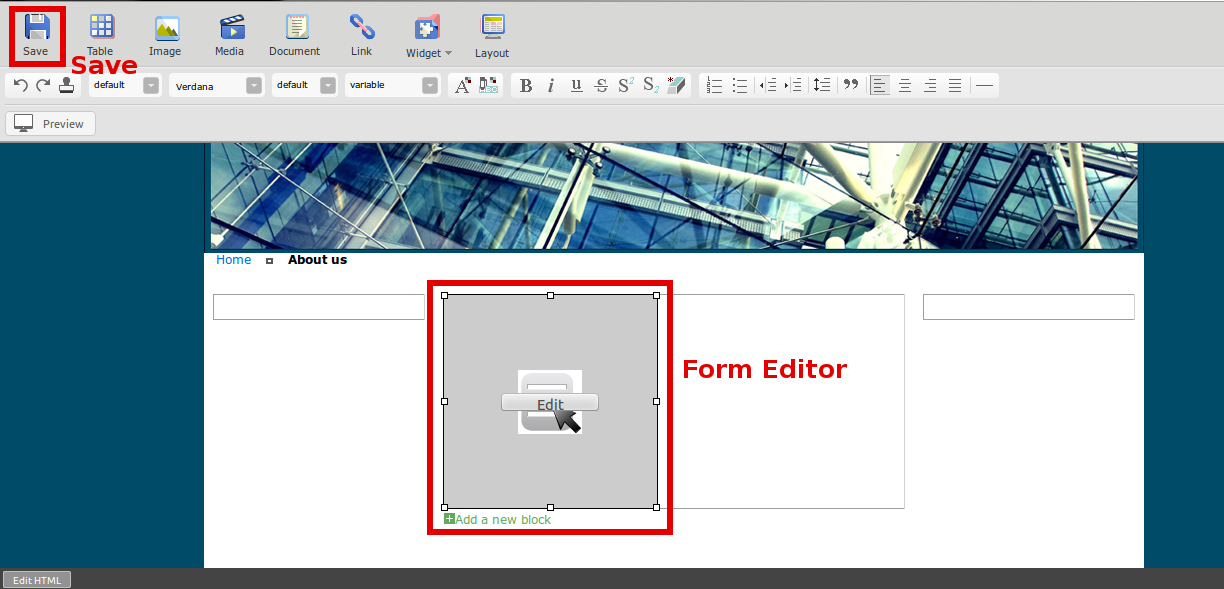
You can create online form or contact us form for your website in Step 3.
Open WYSIWYG for the page you want to add form.
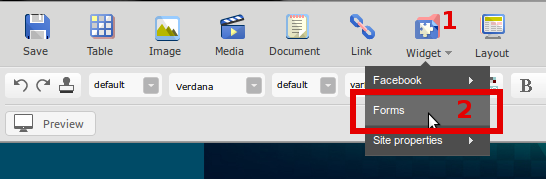
1. Click “Widget”
2. Select “Forms”
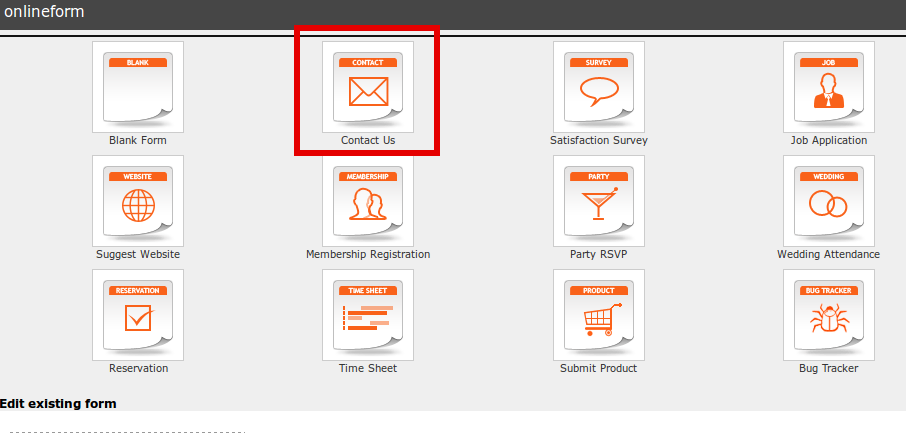
Select a form you want, such as “Contact Us’
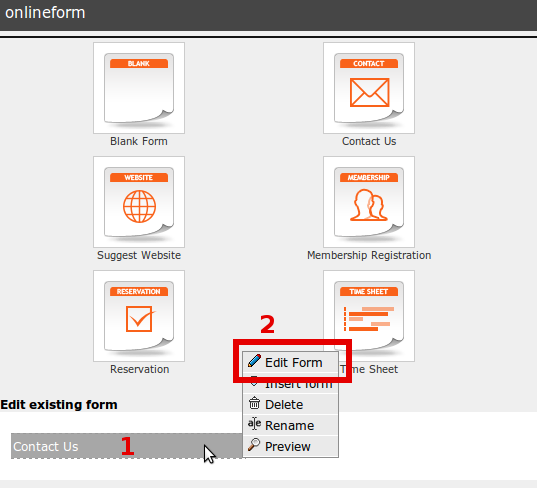
The selected from name appears under “Edit existing form”
- Hover mouse on the form name.
- Click “Edit Form”.
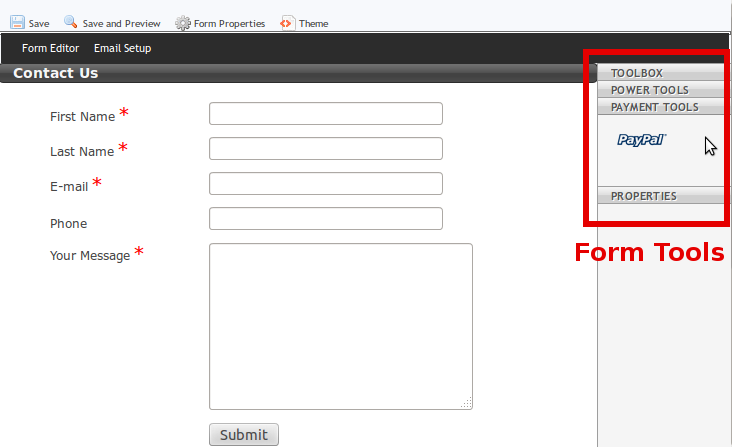
The Form Editor window pops up
You can drag and drop the tools from the right hand to your form, such as, Toolbox, Power Tools, Payment Tools (Paypal).
Setup your email for contact form.
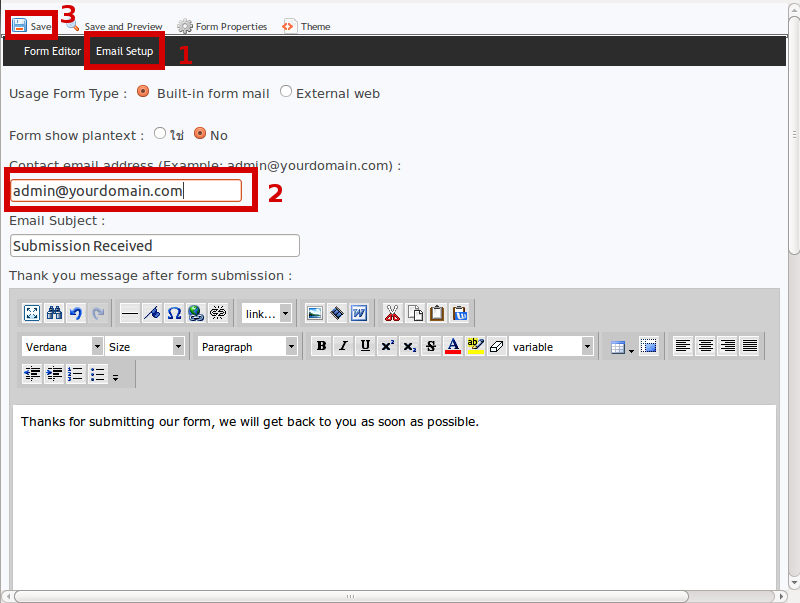
On the same window of Form Editor, click “Email Setup”.
1. Click “Email Setup”.
2. Insert your email address in the email field.
3. Press “Save”.
Once the Form Editor window closed.
Please don’t forget your edited form by:
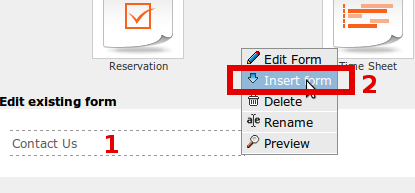
1. Hover mouse on Form Name.
2. Click “Insert form”.
The Online form will be appeared in the page. You can edit it anytime on Edit button.
Don’t forget to press “Save”.