

Preview and Publish Website
by
RV Support
2025-11-25 08:05:15
Preview and Publish your website!
The most exciting step!
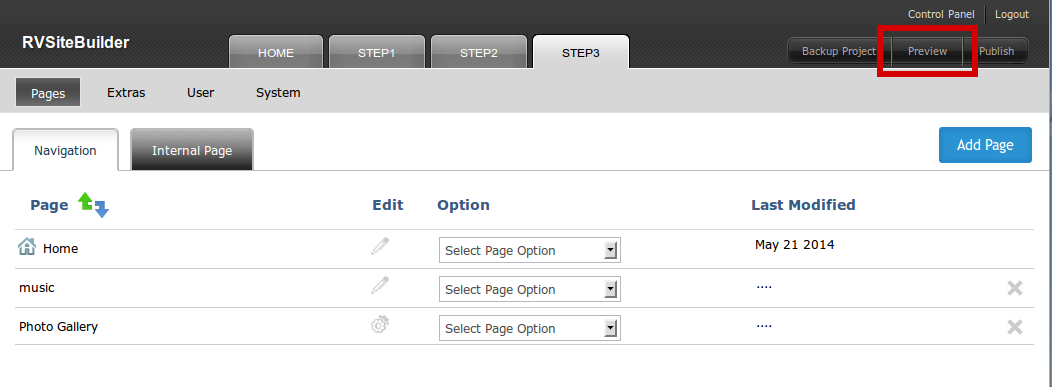
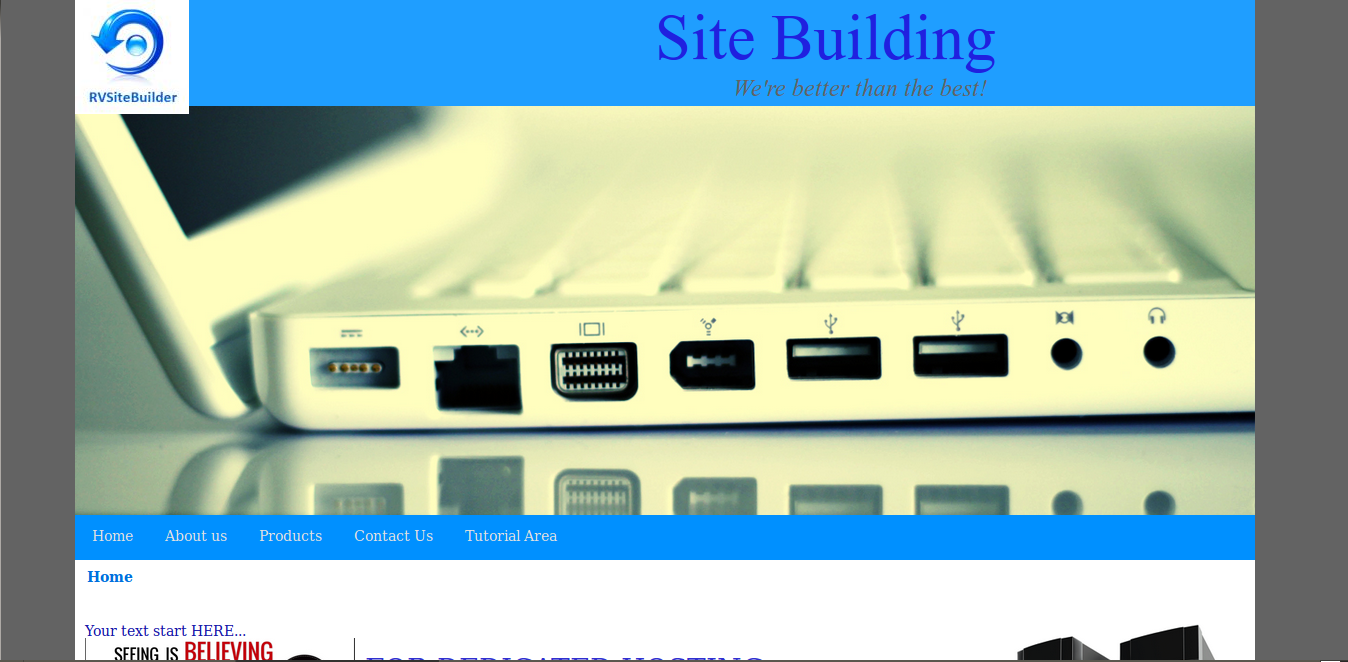
Click “Preview” to see how your website will be.
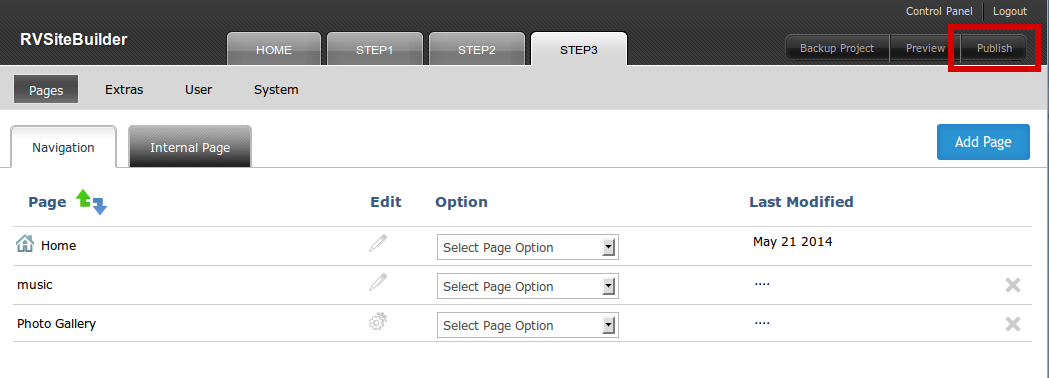
Click “Publish” to get your own website online to the world!
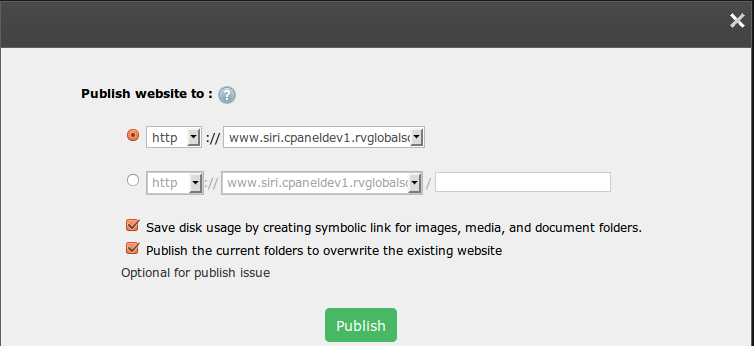
Publish window to let you choose your domain name for your website.
You can even choose http:// or https://, and with or without www in drop-down menu.
Or publish with submenu as below sample (yourdomainname.com/subdomain)
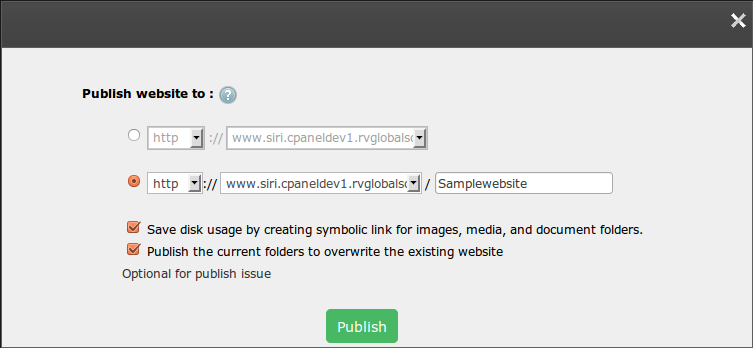
Press “Publish” and wait ….. until it's done.
Articals in this section
-
RVSitebuilder 5.4 Release Notes
Updated on 2025-11-18 08:05:28
-
Add Custom Font
Updated on 2025-11-25 08:05:39
-
Add Google Maps with Widget feature in RVsitebuilder
Updated on 2025-11-25 08:05:15
-
Add your image(s) for website banner
Updated on 2025-11-25 08:05:15
-
Change Page Layout in WYSIWYG Editor
Updated on 2025-11-18 09:17:55
-
Copy and Paste Content/Code from the external source
Updated on 2025-11-25 08:05:15
-
Create a website with multi-language
Updated on 2025-11-25 08:05:15
-
Setup Contact Form Sender for Online Form, Contact Us in website
Updated on 2025-11-18 08:05:27
-
Set Website to display on Mobile
Updated on 2025-11-25 08:05:15
-
Set background color/image for Body(content) area
Updated on 2025-11-18 09:17:55
