

Upload Logo for your Website
by
RV Support
2025-11-25 08:05:15
Upload website and company logo in Step 2
At “Branding” feature menu, click “Logo”.
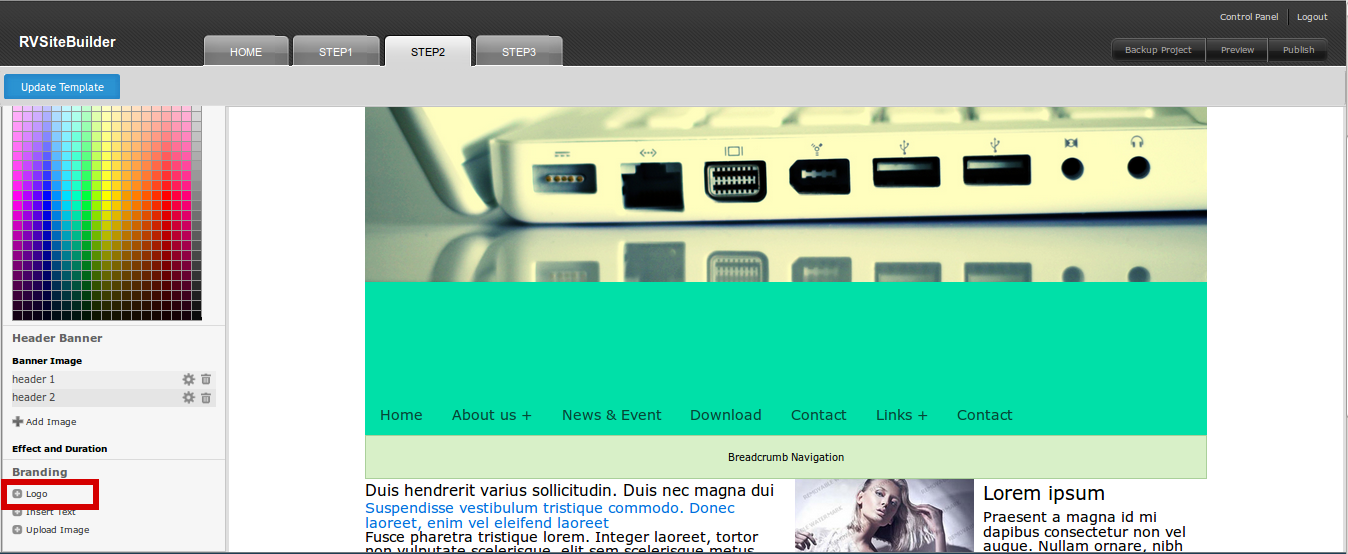
“Browse” a logo image from your computer and resize it. (You can even resize logo in Step 2 interface later)
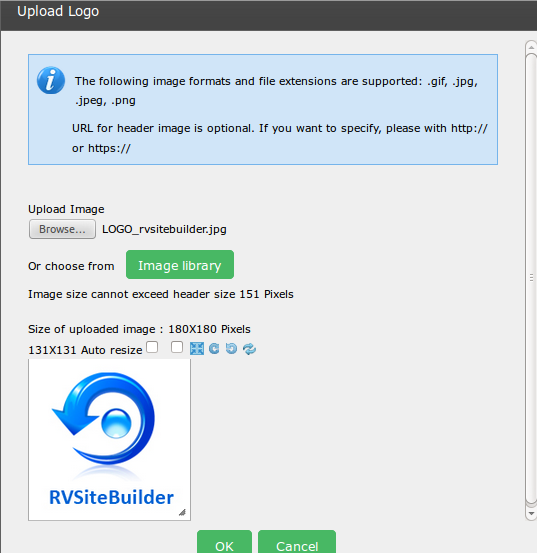
Here you go!
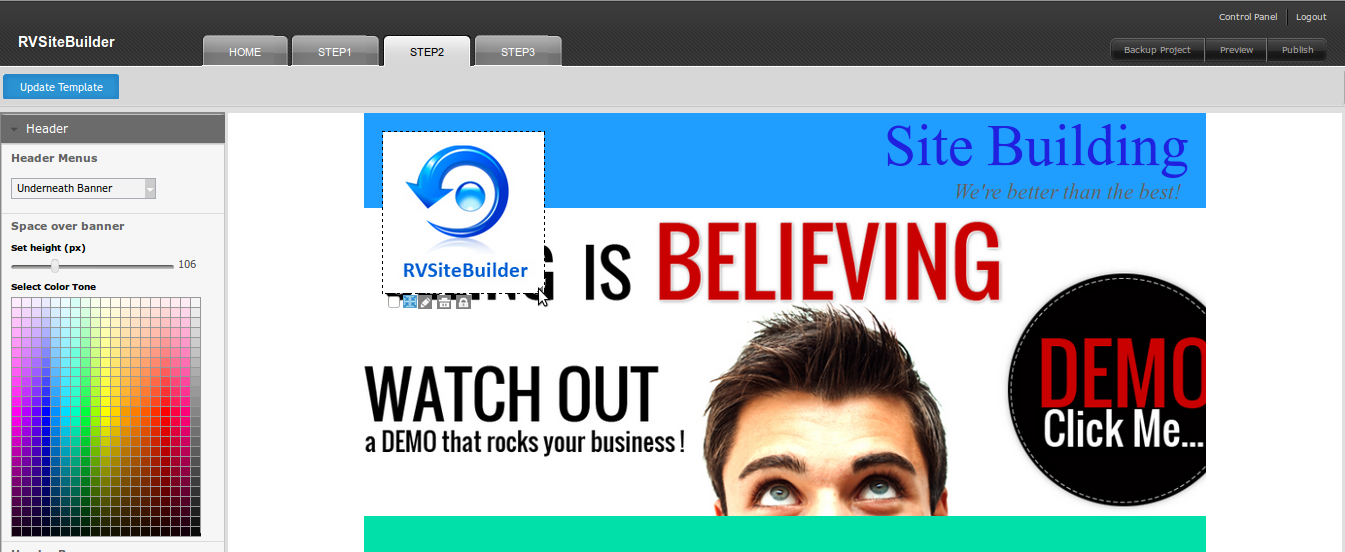
Resize and reposition your logo by drag-and-drop.
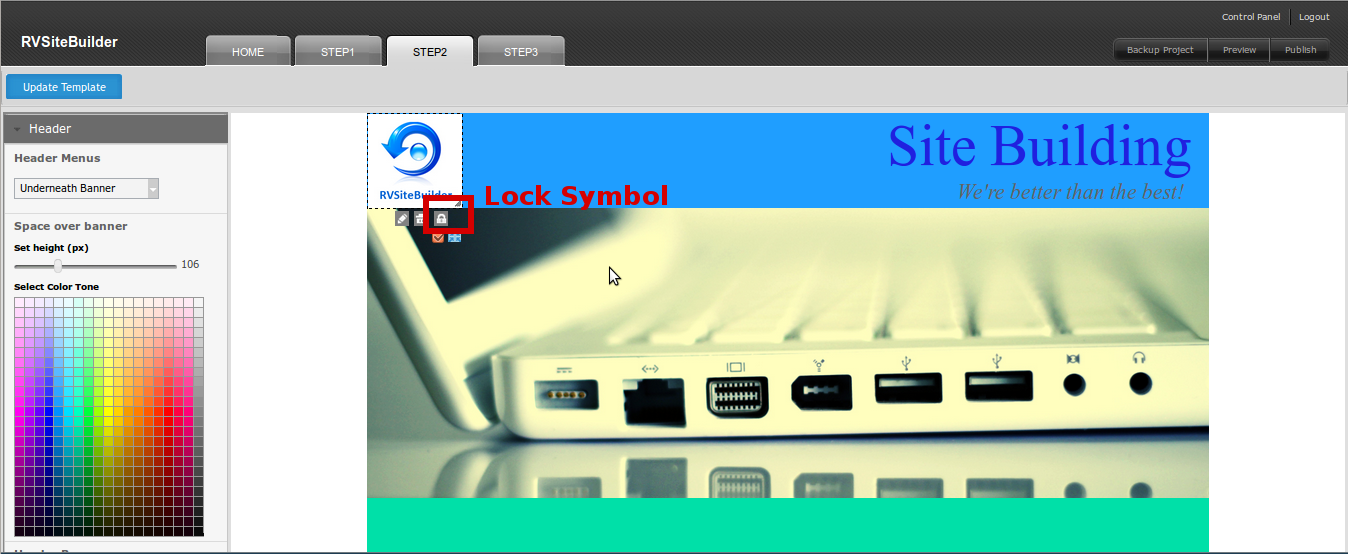
Once you got the correct position, lock it by using “Lock” symbol.
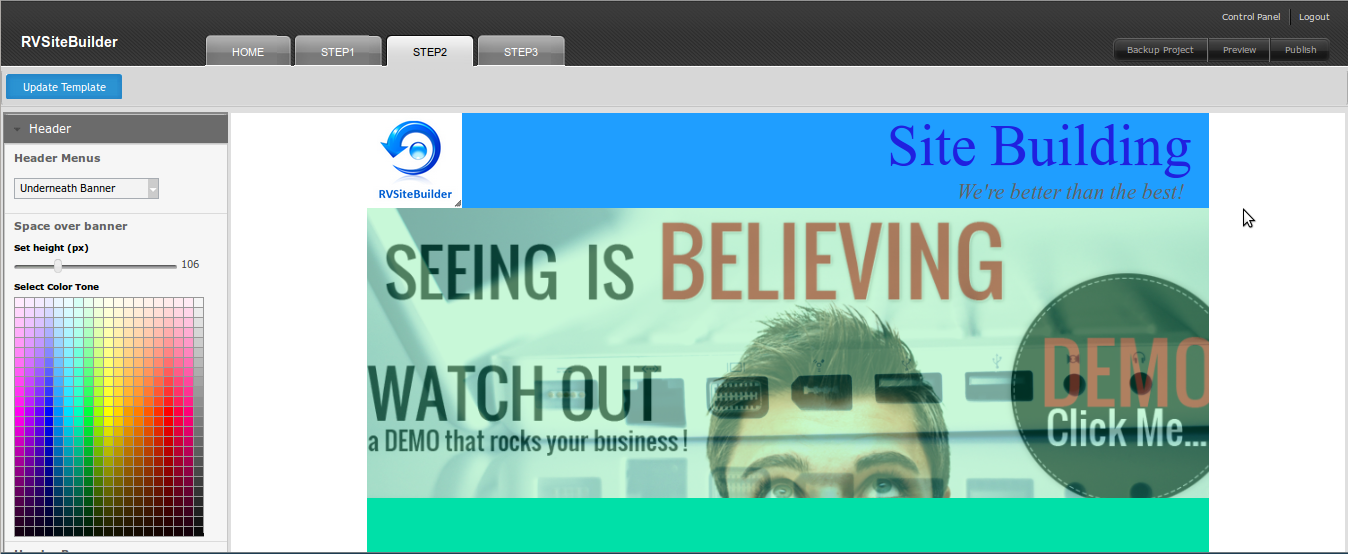
Everything you did in Step 2 , please don't forget to save by "Update Template" button at the top of step2.
Articals in this section
-
RVSitebuilder 5.4 Release Notes
Updated on 2025-11-18 08:05:28
-
Add Custom Font
Updated on 2025-11-25 08:05:39
-
Add Google Maps with Widget feature in RVsitebuilder
Updated on 2025-11-25 08:05:15
-
Add your image(s) for website banner
Updated on 2025-11-25 08:05:15
-
Change Page Layout in WYSIWYG Editor
Updated on 2025-11-18 09:17:55
-
Copy and Paste Content/Code from the external source
Updated on 2025-11-25 08:05:15
-
Create a website with multi-language
Updated on 2025-11-25 08:05:15
-
Setup Contact Form Sender for Online Form, Contact Us in website
Updated on 2025-11-18 08:05:27
-
Set Website to display on Mobile
Updated on 2025-11-25 08:05:15
-
Set background color/image for Body(content) area
Updated on 2025-11-18 09:17:55
