

Access RVlogin Single sign-on on WHM
by
RV Support
2025-11-25 07:47:33
There are 2 ways to access to your WHM Single Sign-on by RVlogin.
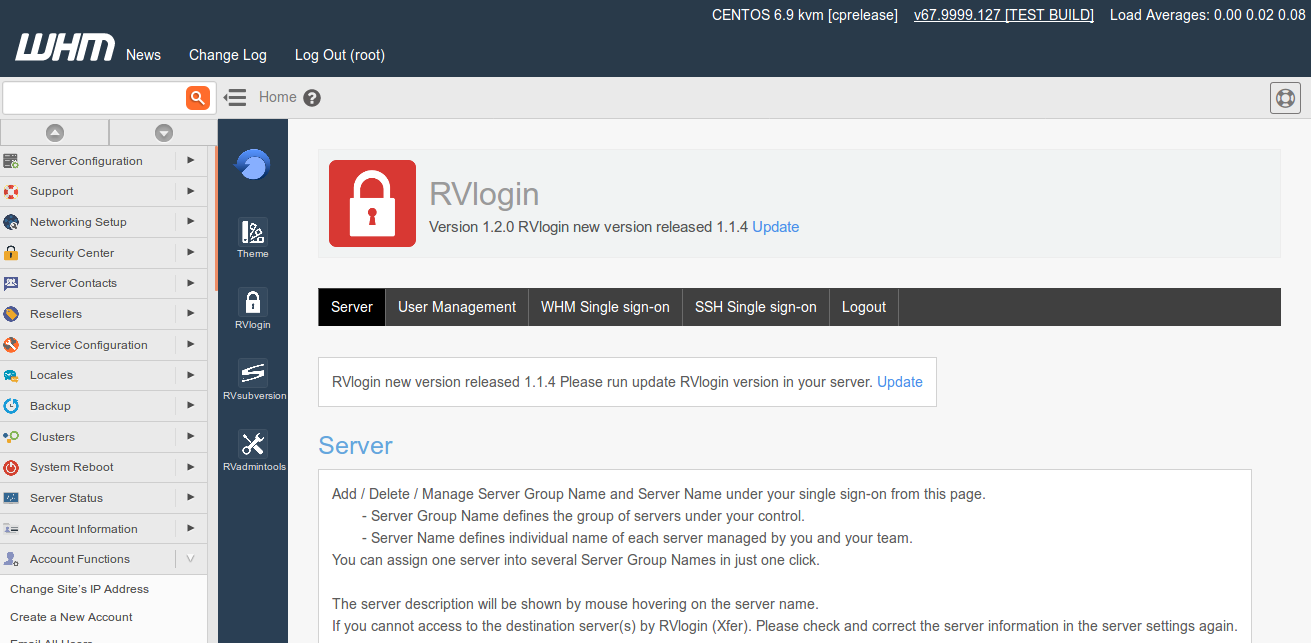
1. Go to WHM -> RVglobalsoft Manager -> RVlogin Manager. You can use/manage/access servers from here.
2. If you have set your WHM Single Sign-on URL.
You can access directly by typing your gateway domain in URL field on browser, such as youdomainname.com.
Want to set WHM Single sign on URL?
Visit our guide here.
Enter Root Privilege
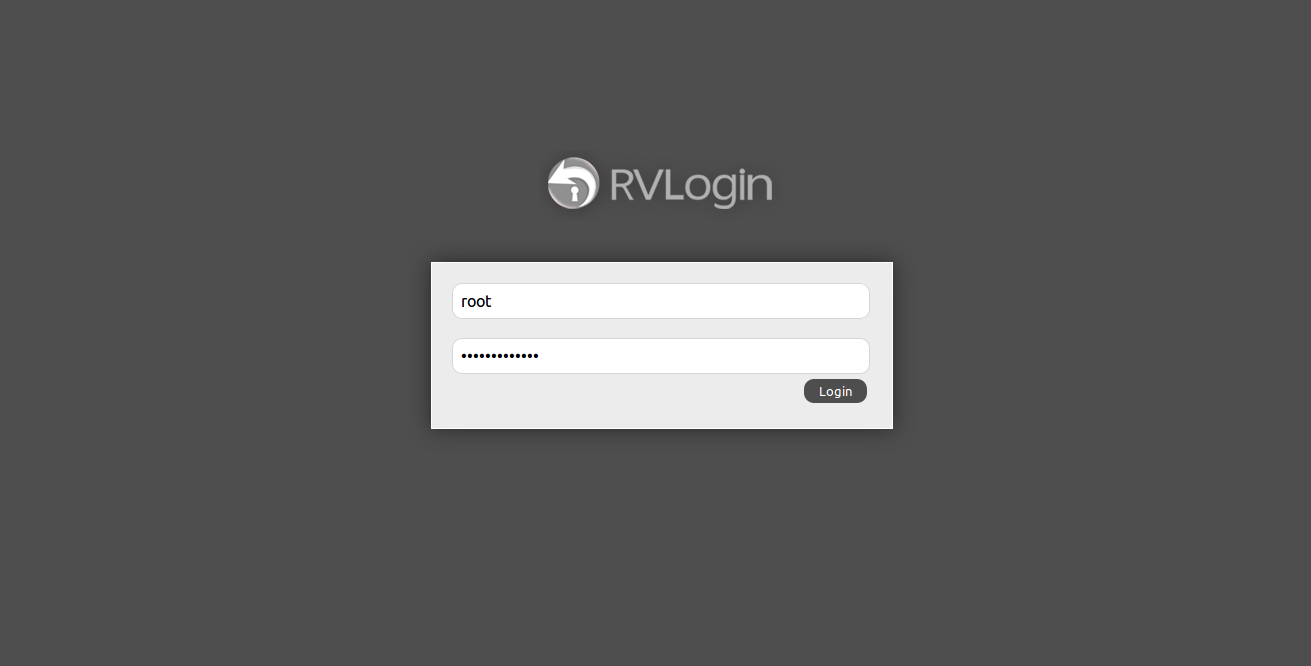
Select your name for Two-Factor Authentication. See how to add user here.
Your Single Sign-on is here!
Articals in this section
-
Access RVlogin Single Sign-on on SSH
Updated on 2025-11-25 07:47:33
-
Edit and Remove Server
Updated on 2025-11-25 07:47:33
-
Cannot access to the destination server via RVlogin SSH Gateway
Updated on 2025-11-18 09:17:14
-
Add Server and Server Group in RVlogin
Updated on 2025-11-25 07:47:33
-
Add User to access to RVlogin Single sign-on
Updated on 2025-11-25 07:47:33
-
Setup RVlogin Single Sign-on Gateway for WHM and SSH
Updated on 2025-11-25 07:47:33
-
Access RVlogin Single sign-on on WHM
Updated on 2025-11-25 07:47:33
